How to Get Your First 100 Users Without Paid Ads
A channel-by-channel plan for your first 100 users: who to contact first, which communities and launch sites fit, what each channel really costs in time, and how to see which one worked.
 Roman Shalabanov
Published
10 min read
To get your first 100 users without paid ads, combine one-to-one outreach with a few public channels that cost time instead of money. In practice, contact 30 to 50 people who have the problem and post in the two or three communities where they already talk. Launch on Product Hunt and one or two smaller launch sites, and list the product in directories where people compare tools. Then talk to every person who signs up.
No single channel is reliable, and none of them is free of effort. The table below sets out what each one takes. The sections after it explain how to do each well, and link our detailed guides where one channel deserves a whole article.
Define who counts as one of your first 100
Before you count to 100, decide what counts. A sign-up who never comes back teaches you little. A useful definition is someone who reached the product's main result at least once: sent the first invoice, ran the first report, published the first page.
Then write down who they are in one sentence, such as "freelance designers who invoice five or more clients a month". That sentence decides every channel below. It tells you which communities to join, which launch sites have the right readers, and which words people type into a search box.
Paul Graham's essay Do Things That Don't Scale (July 2013) is still the plainest description of this stage. "The most common unscalable thing founders have to do at the start is to recruit users manually," he writes. "You can't wait for users to come to you. You have to go out and get them."
Compare the channels by effort before you pick
Every channel here is free in money and expensive in time. The effort column is the honest part. Pick three or four channels that fit your users and your week, not all of them.
Channels for your first 100 users, without paid ads
| Channel | What it takes | When users arrive | Watch out for |
|---|---|---|---|
| One-to-one outreach | Hours of research and personal messages, for weeks | Within days, a few at a time | Spam rules, sounding like a template |
| Communities (Reddit, Hacker News, Indie Hackers, Discord, Slack) | Weeks of taking part before you post | The day you post, if it lands | Self-promotion rules, vote requests |
| Launch sites (Product Hunt and others) | A week of preparation, a full day online per launch | Launch day and the week after | Free queues of weeks or months, paid upgrades |
| Directories and marketplaces | An hour or two per listing | Slowly, for months | Listing fees, badge requirements |
| Content and free tools | Days per piece, plus months for search | Months later, then steadily | Slow start, needs consistency |
| Building in public (X, LinkedIn, Bluesky) | Posting several times a week | Slowly, as an audience grows | Talking to other founders instead of users |
| Your own email list or waitlist | Writing updates, replying to every answer | On the day you open access | Old lists, missing consent |
Start with people you can reach one by one
For many products, the first users come from direct contact. It is the slowest channel per person and the fastest way to get users who give real feedback.
- List everyone you already know who has the problem: former colleagues, clients, people in groups you belong to. Message each one personally and ask for 15 minutes, not for a sign-up.
- Search for people who describe the problem in public: forum threads, reviews of competing tools, questions on Reddit and Stack Exchange. Reply where the community allows it, and say you built something.
- Offer to set the product up for them, on a call. You will watch where they get stuck.
- Ask each happy user one question: "Who else do you know who has this problem?"
Keep outreach one-to-one and honest. Write each message yourself, say how you found the person, and stop after one follow-up. Commercial email is regulated. The US Federal Trade Commission's CAN-SPAM guide says "the law makes no exception for business-to-business email". It requires your postal address and an opt-out honored "within 10 business days". Many countries set stricter consent rules, including EU member states and the UK. This is a general note, not legal advice.
Go where your users already talk
Communities give you users who are already interested in the problem, but they protect themselves against promotion. Every one of them asks you to take part before you post about your product.
- Hacker News. If your product is something readers can try right away, post a Show HN. Hacker News asks you not to request upvotes or comments, and to write your text without an LLM. Our guide on how to post a Show HN covers the title, the text and the thread.
- Reddit. Reddit's Reddiquette allows posting your own content "within reason", with a rule of thumb of one post in ten. Each subreddit adds its own rules. See how to promote a SaaS on Reddit.
- Indie Hackers. Founders share build stories and revenue numbers there, and you can add your product to its directory. Other founders are good for feedback and early adopters, if your product is for founders.
- Discord servers, Slack groups and forums for your niche. Many have a channel for sharing projects and a rule against posting anywhere else. Ask the admins first.
Steady participation in one or two right communities usually does more than one launch post copied into ten. Repeating one post everywhere is also what Reddit's spam policy calls "mass-posting repetitive content".
Launch on Product Hunt and smaller launch sites
Launch sites give you a burst of visitors on one day and a permanent page afterwards. Launching on Product Hunt "costs nothing", says its help center, and every launch goes live at 12:01 AM Pacific Time. Our Product Hunt playbook walks through the rest of its rules. The same rule applies there as on Hacker News: ask for feedback, never for upvotes.
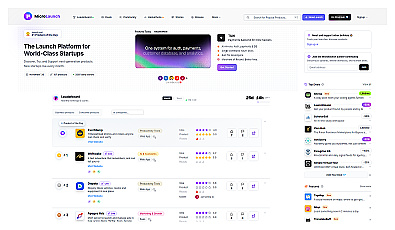
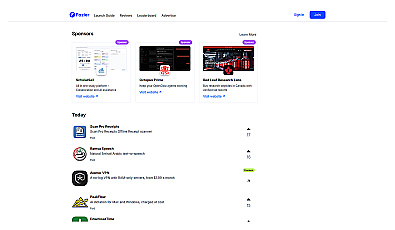
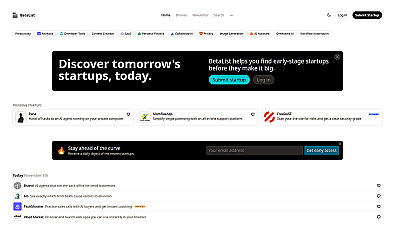
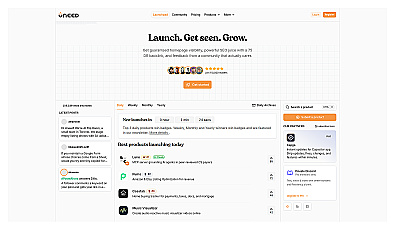
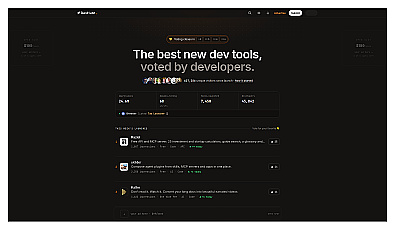
Smaller launch boards and early-adopter lists, such as BetaList, Uneed and DevHunt, reach readers who like trying new products. Most of them run a free queue and sell a faster or guaranteed slot. Our list of 26 Product Hunt alternatives compares their prices, link types and waiting times.
Spread launches over several weeks rather than one day, because each one needs you online answering comments. Prepare the text once with our guide to writing a product description for launch sites, and run the Product Launch Checklist for the week before and after.
Product Launch Checklist An interactive checklist for before, during and after launch day.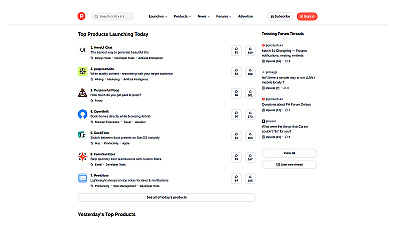
Founder learning and networking community for practical startup lessons


Developer directory for browsing, comparing, and voting on software
Get listed where people compare tools
Directories and marketplaces bring visitors who are already looking for a tool like yours. The numbers are small at first, but a listing keeps working long after launch week.
- Software directories. People switching tools browse alternatives pages and category lists. For AI products, our guide to where to submit an AI tool checks 17 AI directories for price, link type and review time.
- Our own directory. Ask AI For It, which publishes this guide, is one of these directories. As of November 19, 2026, a free listing is reviewed within 21 days and needs our badge in your site's footer. A Featured listing costs $9.99 once, is reviewed manually within 48 hours, needs no badge and appears at the top of the homepage when it goes live. Both are lifetime listings.
- Platform marketplaces. If your product plugs into another platform, list it where that platform's users look for add-ons: browser extension stores, app directories of tools such as Slack or Zapier, or a CMS plugin directory. Each has its own review process, so start early.
Write the listing text once and keep the facts identical everywhere: name, category, pricing model and main features. Check your share preview before you submit, since many directories and launch sites show the same title, description and image as a link in a chat. Our guide to Open Graph image sizes covers the image.
Publish things people search for
Content is the slowest channel on this list and the only one that grows without you posting every day. It suits products whose users search for how to do something.
- Answer the questions your users ask. Write one detailed article for each question you hear on calls or see in communities. Include the steps people can follow even without your product.
- Build a free tool. A small calculator, generator or checker that solves one problem draws visitors who have that problem. This site runs 20 free tools, for example.
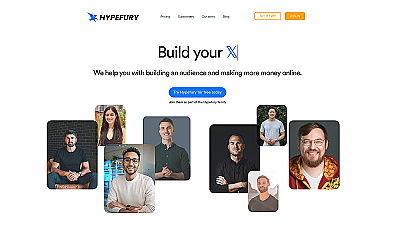
- Build in public. Share what you are building, what you learned and your numbers on X, LinkedIn or Bluesky. Hypefury drafts and schedules posts for LinkedIn, Bluesky, Threads and other networks, though not for X as of November 2026. Supergrow drafts LinkedIn posts. Make sure your posts reach people with the problem, not only other founders.
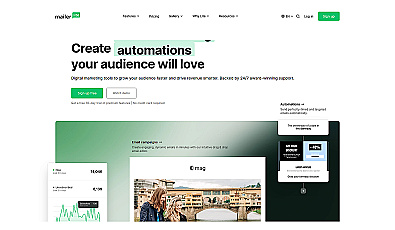
- Keep a list. Collect emails on the site and write to the list when something real changes. Kit and MailerLite both run sign-up forms and newsletters.
Search engines and AI assistants both need time to find and trust new pages. Our guide to getting recommended by ChatGPT, Perplexity and AI Overviews explains what helps.
Track where every user came from
At 100 users, the most valuable thing you own is knowing which two channels worked. Set this up before your first post.
- Make one tagged link per place you post with the UTM Builder. Use one source per platform and one campaign name for the launch, as our UTM naming convention explains.
- Add one optional question to sign-up: "Where did you hear about us?" Tags miss word of mouth, chats and podcasts. People's own answers catch them.
- Keep a simple sheet with one row per user: date, source, whether they reached the main result, and what they said on a call.
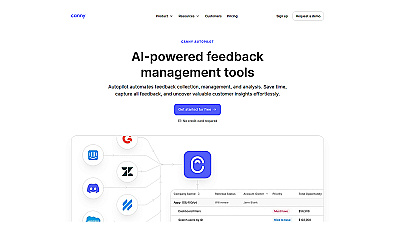
- Talk to as many of the first users as you can. Collect their requests in a board such as Canny, or with a short Typeform survey.
- After 50 and again after 100 users, sort the sheet by source. Keep the channels that brought active users and drop the rest.
DataFast and Simple Analytics record referrers, campaign tags and events such as a sign-up, so you see which sources sent visitors who signed up, not only clicks. A Loom video answer to a support question can turn a hesitant sign-up into an active user. Once you have paying users, our guide to MRR, churn and LTV shows which numbers to watch next.
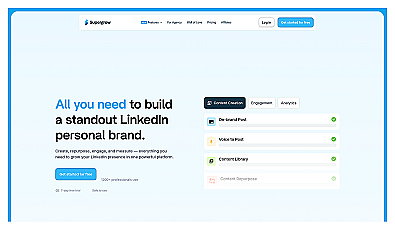
Generate engaging LinkedIn content effortlessly with smart templates.
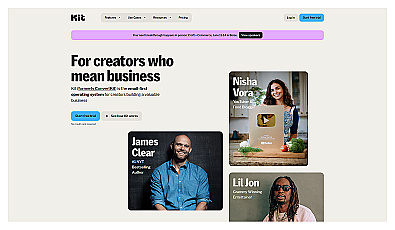
Email marketing solution for creators to engage their audience.
FAQ
How long does it take to get the first 100 users?
It depends on the product and on the hours you put in, and nobody can promise a number. Outreach and communities usually bring the first users within days. Directories and content take months to build up.
Should I launch on Product Hunt before I have any users?
You can, but a launch goes better when a few real users can answer questions and leave honest comments. Getting a handful of users through direct outreach first also gives you a tested product page and real answers for the comments.
Is cold email allowed for finding first users?
Personal, one-to-one messages to people with a clear reason to hear from you are common. Commercial email is regulated: in the US, CAN-SPAM covers business-to-business email too and requires a postal address and an opt-out. Rules in the EU and UK are stricter. Check the rules where you and your recipients are; this is not legal advice.
Can I ask friends to upvote my launch?
No. Hacker News, Reddit and Product Hunt all forbid asking for upvotes, and can penalize the post or ban the account. Ask people for feedback and let them decide whether to vote.
What counts as a user?
Count people who reached your product's main result at least once, not every sign-up. That number tells you whether a channel brings people who need the product.