Schema Markup Generator for Software
Fill in your product details and copy valid JSON-LD for your site.
Runs in your browser. Nothing is uploaded.
For desktop and mobile apps. Google's software app result can show the rating and the price under your link. For apps that run in the browser, such as most SaaS products. Google treats it like a software app.
A screenshot or logo.
Version and publisher
Put it on the home page or the about page. Google has no required fields for Organization; it uses what you give to understand your company and may show your logo.
At least 112 × 112 px. Check that it reads well on white.
With the country code.
YYYY, YYYY-MM or YYYY-MM-DD.
One URL per line. Becomes sameAs.
For a page that sells one thing: a plan, a license or a physical product. For an app as a whole, the software app type fits better.
The path to the page, from the home page down. Google may show it instead of the URL in results. The last item is the page itself and can go without a URL.
Paste the code into the <head> or <body> of the page it describes, then test the live URL, or paste the code in the test's Code tab.
All fields Google lists as required for this result are filled in. Google still decides whether to show a rich result.
The markup is valid. Organization has no required fields.
Fix these values
Missing for the rich result
Recommended
Preview the title and description of the same page with Meta Tags & Social Preview.
How to use the generator
- Pick the type that fits the page: a software app, a web app, your organization, a product with its price, or a breadcrumb trail.
- Fill in the fields. Badges mark what Google requires for the rich result and what it recommends; the checks under the code list anything still missing.
- Copy the code and paste it into the page it describes.
- Test the published URL, or paste the code, in Google's Rich Results Test.
Which type to use
| Type | Use it for | What it can earn |
|---|---|---|
| SoftwareApplication | Desktop and mobile apps | Rating and price under your result |
| WebApplication | Apps that run in the browser, most SaaS | The same software app result |
| Organization | Your home or about page | Helps Google understand the company and pick your logo |
| Product with Offer | A page that sells one plan, license or item | Product snippets with price and rating |
| BreadcrumbList | Any page deeper in your site | A breadcrumb trail in place of the URL |
What Google needs for a software app
For the software app rich result, Google requires three things: name, offers.price (set it to 0 for a free app) and either aggregateRating or review. It recommends applicationCategory, using one of its listed values such as BusinessApplication, and operatingSystem. Google accepts WebApplication and MobileApplication as well as SoftwareApplication.
A minimal result for a free web app:
{
  "@context": "https://schema.org",
  "@type": "WebApplication",
  "name": "Example Notes",
  "url": "https://example.com/",
  "applicationCategory": "BusinessApplication",
  "operatingSystem": "Any",
  "offers": { "@type": "Offer", "price": "0", "priceCurrency": "USD" },
  "aggregateRating": { "@type": "AggregateRating", "ratingValue": "4.6", "ratingCount": "128" }
}Where to put the code
Paste the script block anywhere in the HTML of the page, in the head or the body. One page can carry several blocks, for example a WebApplication on the product page together with a BreadcrumbList. The generator escapes </ inside the JSON, so a value such as a description cannot close the script tag early and break the page.
After publishing, check the live URL with the Rich Results Test for Google features and the Schema Markup Validator for general schema.org errors. Search Console then reports problems it finds over time.
Writing the title and description for the same page? Preview them with Meta Tags & Social Preview. For more help with search, browse the SEO and developer tools categories in our directory.
Should a SaaS product use SoftwareApplication or WebApplication?
Either works, since Google treats both as software apps. WebApplication is the more precise type for a product people use in the browser; SoftwareApplication suits apps you download.
Can I add a rating if I have no reviews yet?
No. Leave the rating out until you collect real reviews and show them on the page. The markup is still valid without it, but the software app result needs a rating or a review.
Does schema markup improve rankings?
Not directly. Structured data helps Google understand the page and makes it eligible for rich results, which can make your listing stand out. It does not move a page up the rankings by itself.
Which applicationCategory should I choose?
The closest one from Google's list: BusinessApplication for most B2B tools, DeveloperApplication for developer tools, DesignApplication for design tools. Google asks for a value from that list, so the generator offers only those.
Is anything I type stored?
No. The code is built in your browser, and the form is saved only in your browser's storage so you can come back to it.
SEO tools from our directory
Browse: SEO, Developer tools
Terminal-based browser testing with automated pass-fail proof
All-in-one solution for mobile data management and recovery.
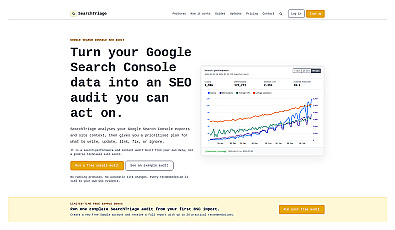
Transforms complex search data into actionable insights for improvement.
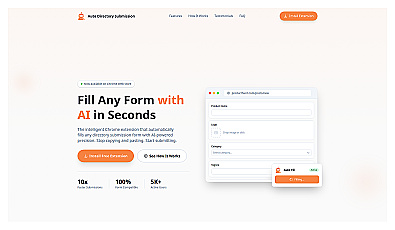
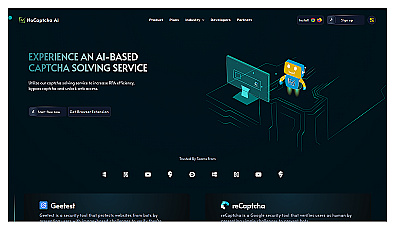
Automated solution for bypassing online user verification challenges.
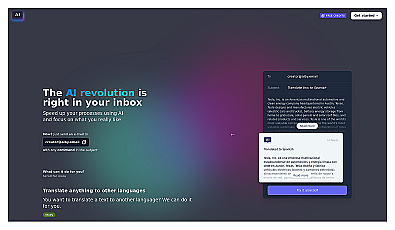
Stay informed about the latest AI products and trends.