Meta Tags & Social Preview
Type a title, description and image to preview how the page will look when shared.
Runs in your browser. Nothing is uploaded.
empty Google shows about 600 px of a title, roughly 50–60 characters.
empty About 920 px, roughly 150–160 characters, before Google cuts it.
Enter a full address, such as https://example.com/page.
1200 × 630 px works on every platform below. Make one with the OG image generator. Loading the image… The image did not load. Is the URL public? Enter a full image URL starting with https://.
The title is wider than about 600 px and will likely be cut. The description runs past about 920 px. Widths are measured with Arial in your browser. Google may also rewrite the title or description.
To check
Social cards
approximate Platforms change their layouts and cache cards, so treat these as a guide.From
HTML for your <head>
How to use the preview
- Type the title and the meta description of your page. The bars under each field show how much of the space in a Google result they use.
- Add the page URL, the site name and the address of your share image.
- Check the Google result and the cards for X, LinkedIn, Facebook and Slack. They update as you type.
- Copy the HTML and paste it into the
<head>of the page.
Nothing is sent anywhere. The only outside request is your browser loading the image from the URL you typed, exactly as any web page would show it. The tool never opens the page itself.
How the length check works
Google cuts titles and descriptions by pixel width, not by a character count. A title full of wide letters such as W and M runs out of room sooner than one with narrow letters like i and l. The tool measures your text in your browser with the Arial font, at 20 px for titles and 14 px for descriptions, and cuts it at about 600 px and 920 px.
These limits are approximations based on how desktop results look, not numbers Google publishes. As a rough guide they come to 50–60 characters for a title and 150–160 for a description. If Arial is not installed on your device, as on many Linux and Android systems, the browser measures with a similar font and the width can differ slightly.
Social cards
Facebook, LinkedIn, Slack and most chat apps read the Open Graph tags (og:title, og:description, og:image). X reads twitter:card and falls back to the Open Graph tags for the title, description and image, so the extra twitter: tags are optional.
The card layouts here are approximate. Platforms change their designs, crop images in different ways and cache cards, so treat the previews as a guide. Keep the important part of your image away from the edges: a 1200 × 630 px image, a ratio of about 1.91:1, works everywhere, and X crops large cards closer to 2:1.
The generated HTML looks like this:
<title>Example Notes: Shared Notebooks for Small Teams</title>
<meta name="description" content="Shared notebooks, offline sync and a REST API for teams of 2 to 50.">
<link rel="canonical" href="https://example.com/">

<meta property="og:type" content="website">
<meta property="og:url" content="https://example.com/">
<meta property="og:title" content="Example Notes: Shared Notebooks for Small Teams">
<meta property="og:image" content="https://example.com/og-image.png">

<meta name="twitter:card" content="summary_large_image">
Need a share image? Make one with the OG image generator, and add structured data with the schema markup generator. For more, browse the SEO and marketing tools in our directory.
Why does Google show a different title from mine?
Google rewrites titles that are too long, stuffed with keywords or a poor match for the search. Keep the title short, specific to the page and consistent with its main heading.
My new image does not appear when I share the link. Why?
Platforms cache cards, sometimes for days. LinkedIn's Post Inspector and Facebook's Sharing Debugger fetch the page again. Also check that the image URL is absolute, public and not blocked by robots.txt.
Do I need the twitter:title and twitter:description tags?
No. X uses the Open Graph title, description and image when the twitter: versions are missing. You do need twitter:card with the value summary_large_image to get the large image card.
What size should the share image be?
1200 × 630 px in PNG or JPEG suits every platform here. Keep text large and away from the edges, and keep the file small: X rejects card images over 5 MB, and WhatsApp asks for less than 600 KB.
Does the tool check my live page?
No. It works only with what you type. To see what platforms actually read, run your URL through their debuggers after you publish.
SEO tools from our directory
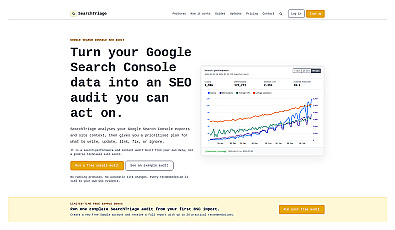
Transforms complex search data into actionable insights for improvement.
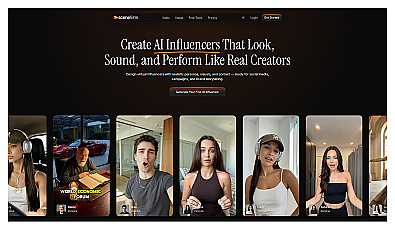
Generate engaging virtual influencers and social media content.
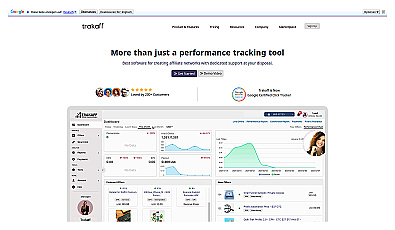
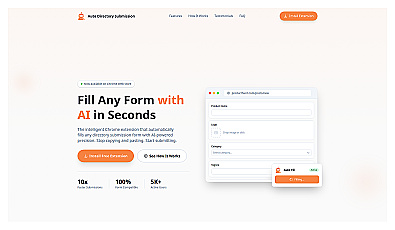
Automated Pinterest pin creation from website content.