AI Prompt Builder
Answer a few fields and get a structured prompt you can paste into any assistant.
Runs in your browser. Nothing is uploaded.
42 templates for email, reports, meetings, spreadsheets, marketing, hiring and code.
Who the assistant should act as.
More fields: style, steps, goal
Long prompt? Check how much of the context window it takes with the Token Counter.
How to build a prompt
- Pick a template, or start blank and describe the task in one or two sentences.
- Add context: the text the assistant should work on, the background it cannot guess, what you have already tried.
- Say who the answer is for, the tone, the format and the length. The suggestion buttons fill these in with one click.
- Choose a structure, check the prompt on the right and copy it into ChatGPT, Claude, Gemini or any other assistant.
The builder only arranges your words; it does not call an AI model. Nothing you type leaves the page.
What makes a prompt work
Assistants guess whatever you leave out. Most weak answers come from missing context, not from missing magic words. A good prompt answers the questions a new colleague would ask:
- What is the task? One clear instruction beats three vague ones.
- What does it need to know? Paste the email, the data or the draft instead of describing it.
- Who is it for? "A CFO with two minutes" and "a new intern" need different answers.
- What should the answer look like? Format and length save a round of edits.
- What should it avoid? Constraints such as "no jargon" or "do not invent numbers" go in their own list.
- Can you show an example? One sample of the output you like is often worth a paragraph of description.
Prompt structures
- Labeled sections put each part under a heading. It is easy to scan and works everywhere.
- XML tags wrap each part in tags such as context and constraints. Anthropic's guides recommend tags for Claude, and other models read them well.
- Plain message writes the same parts as ordinary sentences.
- CO-STAR (Context, Objective, Style, Tone, Audience, Response), RTF (Role, Task, Format), RISEN (Role, Instructions, Steps, End goal, Narrowing) and RACE (Role, Action, Context, Expectation) are named frameworks people use in prompt courses.
The structure matters less than the content. If a framework has no slot for something you filled in, the builder still adds it under its own heading, so nothing gets lost.
Limits
The templates cover common work tasks, not every situation; edit them freely. Very long prompts take up context that the answer needs, so check the size with the Token Counter if you paste whole documents.
Does this tool generate the answer too?
No. It builds the prompt. Paste it into the assistant you already use.
Which AI assistants does it work with?
Any chat assistant that takes text: ChatGPT, Claude, Gemini, Copilot, Mistral and others. The prompts use plain language, without features specific to one product.
Is a role like "You are an expert" necessary?
It helps set vocabulary and depth, but context and a clear task matter more. Leave the role empty if it adds nothing.
Are my prompts saved?
No. Fields are cleared when you leave the page. Only your preferred structure and checkboxes are remembered in this browser.
Can I save my own templates?
Not yet. Download the prompt as a .txt file or keep it in a notes app.
AI assistants tools from our directory
Browse: AI assistants, Writing
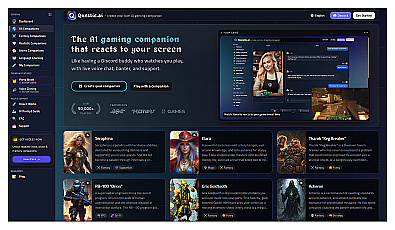
AI gaming companion with live voice reactions and customizable roleplay characters
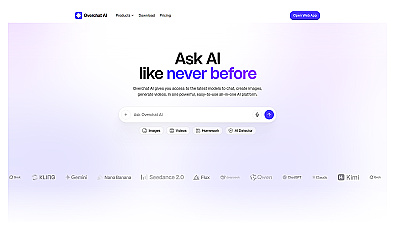
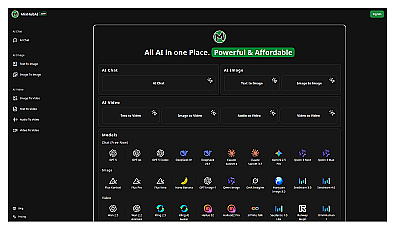
AI creation suite for generating images, videos, and written content

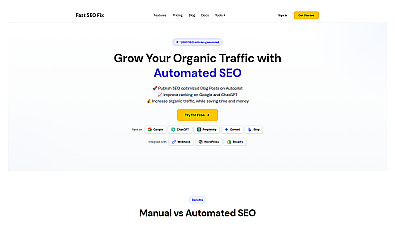
Automated content generation for SEO optimization and traffic growth.
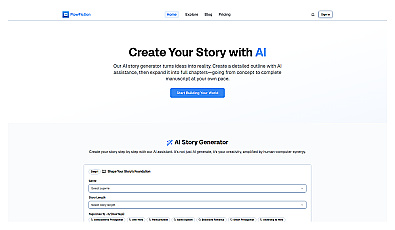
Transform ideas into engaging stories through collaborative writing.
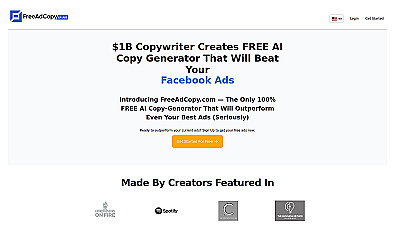
AI-driven advertising copy generator for quick, high-quality ads.