AI Tools for YouTubers: Scripts, Thumbnails, Editing and Shorts
A YouTuber's week, task by task: which AI tools help with research, scripts, cleanup, editing, thumbnails, Shorts and dubbing, what the free plans allow, and when YouTube wants you to label AI content.
 Roman Shalabanov
Published
11 min read
The AI tools worth paying for as a YouTuber are the ones that remove repetitive work: cutting silences and bad takes, turning a long video into Shorts, cleaning up audio and testing thumbnails. For writing and research, a general assistant such as ChatGPT, Claude or Gemini is usually enough. Many of the most useful features are already inside YouTube Studio and cost nothing.
This guide follows a channel's actual workflow, one task at a time: what the task involves, which tools fit it, and the limits you should know before you build a habit around them. Free-plan details come from each vendor's pricing page and YouTube's own Help Center, checked on November 5, 2026. We have not run these tools on a channel ourselves, so each section ends with what to test on a free plan.
The stack at a glance
AI tools by YouTube task, checked November 5, 2026
| Task | Built into YouTube | Outside tools to try | Limit to know |
|---|---|---|---|
| Ideas and keywords | Studio analytics, Ask Studio | vidIQ, TubeBuddy | Search volume figures are estimates |
| Research and outlines | NotebookLM, ChatGPT, Claude, Gemini | Check every fact and quote | |
| Scripts | Subscribr, assistants | Generic scripts risk monetization | |
| Voice and audio | Adobe Podcast, Auphonic, ElevenLabs | Cloning someone else needs consent | |
| Editing long videos | Basic trimming | Descript, Gling, DaVinci Resolve | Cloud editors upload your footage |
| Thumbnails and titles | Ask Studio, A/B testing | Canva, Photoshop, Pikzels | A/B tests are desktop only |
| Shorts | Shorts editor | OpusClip, Vizard, Klap, Captions | Free clips are watermarked |
| Captions and dubbing | Automatic captions, automatic dubbing | ElevenLabs Dubbing, Rask, HeyGen | YouTube's dubs cannot be edited |
Find ideas and check what people search
The task. Turn a vague niche into a list of videos people already look for, and spot gaps your competitors left.
Fitting tools. Your own YouTube Studio analytics show what your viewers search for and watch next, and it is the only source built on your real audience. For keyword and competitor data, vidIQ and TubeBuddy are the two long-standing browser extensions and web apps. vidIQ has a free plan; its paid tiers list at $19 a month for Boost and $49 for MAX in the US, or $199 and $468 a year (vidIQ pricing). TubeBuddy also has a free plan, which paid channels drop back to if they cancel (TubeBuddy pricing).
Limits. Third-party keyword scores and search volumes are estimates from outside YouTube. Use them to compare ideas against each other, not as forecasts of views.
Insight platform for YouTube creators to enhance channel growth.
Research and outline a video
The task. Gather sources, pull out the facts that matter and shape them into a structure with a hook, sections and a payoff.
Fitting tools. Gemini Notebook, formerly NotebookLM, answers questions from the documents, links and videos you add to a notebook, which keeps research tied to sources you chose. For outlines, any general assistant works: ChatGPT, Claude or Gemini. Our comparison of ChatGPT, Claude and Gemini explains which handles long documents and research with sources best.
Limits. Assistants still state wrong facts with confidence. For an explainer channel, one wrong number in a viral video costs more than the hour you saved, so open every source the tool cites.
Write scripts without losing your voice
The task. Turn an outline into words you can say naturally on camera or in a voiceover.
Fitting tools. General assistants are good at tightening a draft, cutting repetition and suggesting a stronger opening line. Subscribr is built for YouTube scripts specifically, with research and ideation in the same workspace.
Limits. Two YouTube policies apply here. First, scripts are "production assistance", which YouTube lists among the uses that do not need an AI disclosure (YouTube Help). Second, the YouTube Partner Program's monetization policies exclude "AI-generated content made with generic or unoriginal templates giving the impression of mass production without adding the creator's original, authentic insights or perspective". On July 15, 2025, YouTube renamed its "repetitious content" policy to "inauthentic content" to make the mass-production point clearer. As of November 2026, that section is titled "Generic or Repetitive Content". A channel of interchangeable AI-written videos risks losing monetization for the whole channel.
To make AI-assisted text sound like you, read it aloud before you record. Our guide on editing AI-assisted text has a checklist.

Record clean audio and voiceovers
The task. Make your voice clear and even, and fix a bad room without re-recording.
Fitting tools. Adobe Podcast records and edits audio in the browser, with speech enhancement for noisy recordings. Auphonic levels loudness and reduces noise in finished files. If you narrate rather than appear on camera, a voice generator such as ElevenLabs can read a script; our ElevenLabs alternatives guide compares cheaper and local options.
Limits. Cloning your own voice for voiceovers or dubs does not need disclosure on YouTube, according to the same Help page. Cloning anyone else's voice needs their permission, and making a real person appear to say something they did not say must be disclosed. Enhancement tools can over-process speech and leave it sounding robotic, so compare the result with the original on headphones.
Edit long videos faster
The task. Cut silences, flubs and repeated takes from a raw recording, then add structure and chapters.
Fitting tools.
- Descript lets you edit video by editing its transcript. The free plan includes 60 media minutes a month and exports at 720p; Hobbyist, at $16 a month billed yearly or $24 monthly, adds 10 media hours, 1080p and watermark-free export (Descript pricing).
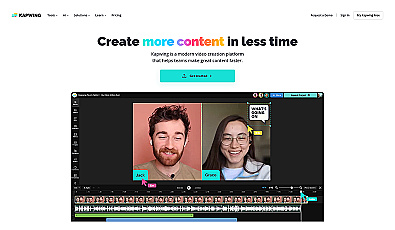
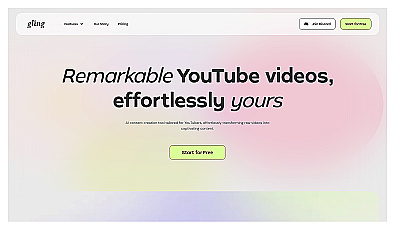
- Gling is built for YouTube: you upload raw footage, it transcribes it and cuts bad takes, silences and filler words, and it can suggest titles and chapters (Gling).
- DaVinci Resolve and Adobe Premiere Pro are full editors with AI features built in, for when you outgrow text-based editing. Resolve has a free version.
- CapCut covers quick edits and social formats in the browser and on phones.
Limits. Cloud editors such as Gling and Descript process your footage on their servers. That is normal for public videos, but think twice before uploading unreleased sponsor material or footage of people who have not agreed to appear. Automatic cuts also remove pauses you meant to keep; always watch the full cut once.
Comprehensive video editing and post-production software for creators.
Video editing software designed for storytelling and creative projects.
Edit videos and create graphics with ease and creativity.
Design thumbnails and test titles
The task. Make a thumbnail that reads at phone size, and find out which title and image combination people actually click.
Fitting tools. Start inside YouTube. Studio's Ask Studio can suggest thumbnails: it "analyzes your video's transcript and themes", and you refine the result with follow-up prompts (YouTube Help). Then use A/B testing: you can test up to three titles, thumbnails or combinations, and YouTube shows everyone the version with the highest watch time when the test ends, usually within two weeks (YouTube Help). Testing is available only in YouTube Studio on a computer, requires advanced features, and does not work for Shorts or videos made for kids.
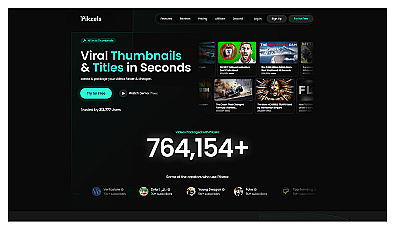
For design, Canva and Adobe Photoshop both include AI image generation and background removal. Pikzels is an AI thumbnail maker aimed at YouTubers.
Limits and sizes. YouTube now recommends 3840 × 2160 pixels for video thumbnails and 2160 × 3840 for Shorts, with a minimum width of 640 pixels, as JPG or PNG. Uploads from a computer can be up to 50 MB; from a phone, 2 MB. There is one trap for A/B tests: if any thumbnail in a test is smaller than 1280 × 720, all of them are downscaled to 854 × 480. The Image Resizer has a "YouTube thumbnail" preset at 1280 × 720 that clears that floor; for a 4K thumbnail, use width and height mode, and compress it as JPEG to keep phone uploads under 2 MB.
Your channel also needs a custom thumbnail permission: Studio lets you upload your own only if your account is verified.
Create stunning visuals with user-friendly design software.
Advanced software for photo editing and graphic design.
Turn long videos into Shorts
The task. Find the 30 to 60 seconds in a long video that work on their own, reframe them to vertical and add captions.
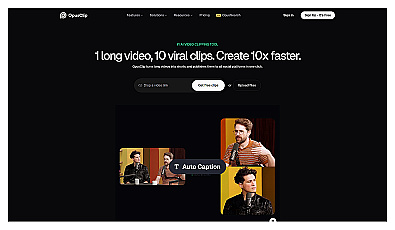
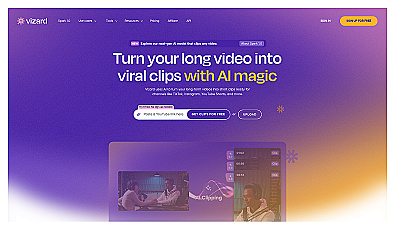
Fitting tools. AI clippers find the moments, reframe faces and burn in captions. OpusClip's free plan gives 60 credits a month, 1080p clips with auto reframe and AI captions, but the clips have a watermark, cannot be edited, and can no longer be exported after 3 days (OpusClip pricing). Vizard and Klap do the same job, and Captions is a video editor with automated editing and captions.
Limits. A clipper picks moments by speech and energy, not by your channel's story. Expect to reject most suggestions. Remove the watermark by upgrading rather than cropping it, and post Shorts that make sense without the long video.

Add captions and reach other languages
The task. Caption every video, and offer translated audio to viewers in other languages.
Fitting tools. YouTube's own automatic dubbing generates translated audio tracks for eligible creators and marks them "auto-dubbed" in the description. Viewers can switch back to the original audio (YouTube Help). For more control, ElevenLabs Dubbing, Rask and HeyGen translate and dub video outside YouTube, so you can review the result before you add it to your video.
Limits. YouTube says you "cannot edit automatic dubs". Videos over 120 minutes, videos with mostly music, very fast speech or copyrighted content are not eligible, and dubs may mispronounce names and jargon. If you get the source language wrong, the dubs will be wrong too, so set your video language correctly at upload.
AI-driven audio and video localization for global audiences.
Label AI content the way YouTube requires
YouTube's rule is short: "We require creators to disclose AI-generated or altered content that seems realistic" (YouTube Help).
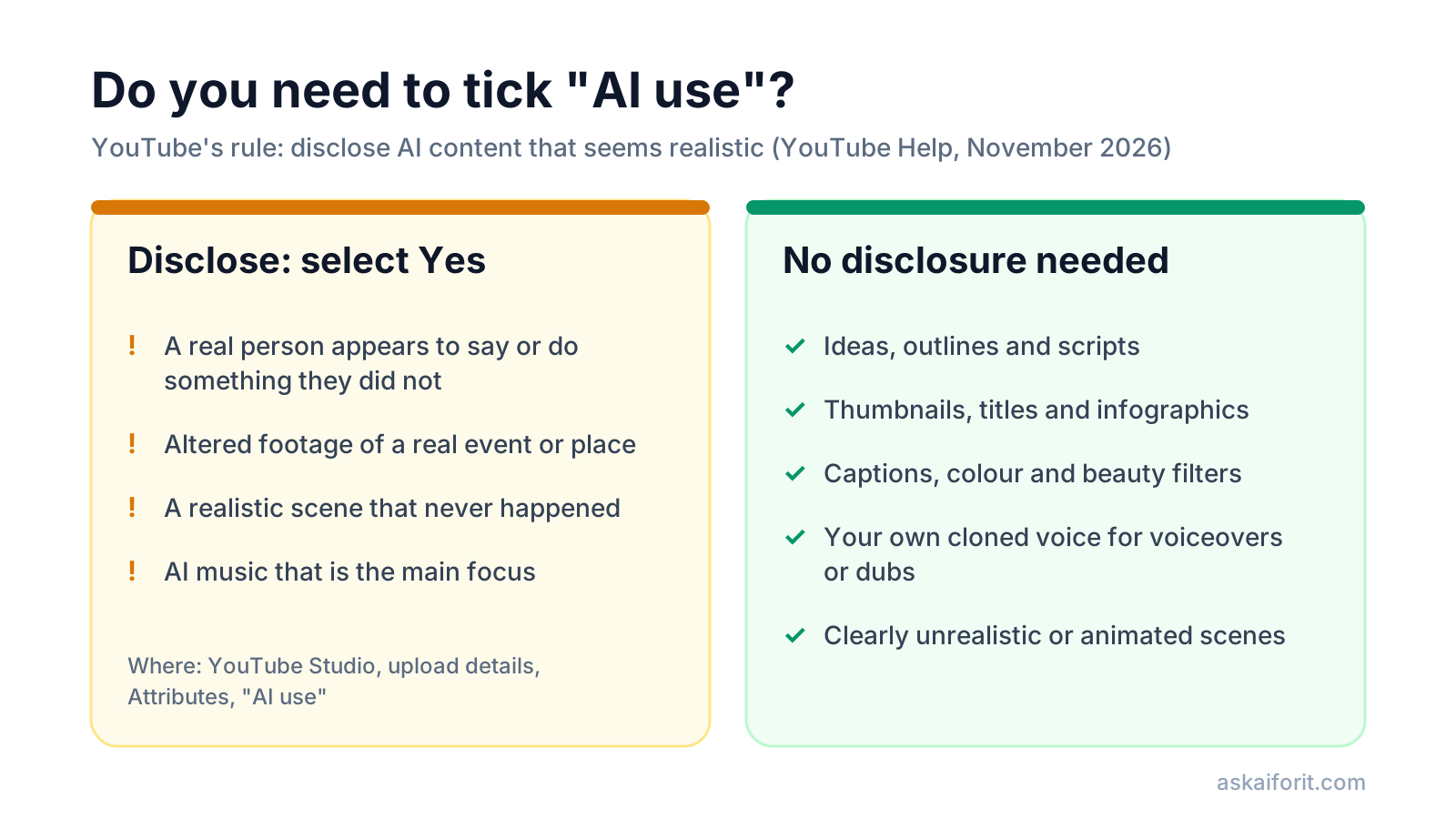
You must disclose content that:
- makes a real person appear to say or do something they did not;
- alters footage of a real event or place;
- generates a realistic scene that did not happen;
- uses AI music as the main focus of the video.
You do not need to disclose clearly unrealistic content, minor edits such as color correction or beauty filters, or production help like AI outlines, scripts, thumbnails, titles, infographics and captions.
- In YouTube Studio, upload your video as usual.
- In the Attributes section, find AI use.
- Select Yes if the video meets the disclosure rules, or No if it does not.
- Finish the other details and publish. YouTube adds a label to the description, and for photorealistic content or AI music it may also show one on the player.
Three details are easy to miss. YouTube may apply a label automatically to content made with its own AI tools, content that carries C2PA metadata, and content its systems detect as AI-made; those labels cannot always be removed. Disclosing "alone won't limit a video's audience or impact its eligibility to earn money", YouTube says. And creators who consistently fail to disclose risk content removal or suspension from the Partner Program. If you are unsure how a viewer would read a clip, our guide on how to spot AI images shows what C2PA metadata is and how platforms read it.
A starter stack for a solo channel
If you are starting out, keep it small and free until a task clearly costs you hours every week:
- Research and scripts: NotebookLM plus one assistant you already use.
- Editing: DaVinci Resolve for full edits, or Descript's free plan to try text-based editing.
- Thumbnails: Canva for design, the Image Resizer for sizes, YouTube's A/B testing to decide.
- Shorts: OpusClip's free plan to see whether clipping saves time before you pay to remove the watermark.
- Reach: YouTube's automatic captions and dubbing before any paid dubbing tool.
When one of those becomes the bottleneck, upgrade that tool alone. More AI tools in the Video category and the Social media category cover streaming, scheduling and analytics.
Image Resizer, Compressor & Converter Resize, compress and convert JPEG, PNG and WebP images in your browser.FAQ
What is the best free AI tool for YouTubers?
YouTube Studio itself: Ask Studio suggests thumbnails, A/B testing compares up to three titles and thumbnails, and automatic captions and dubbing are free for eligible channels. For outside tools, a general assistant for outlines and OpusClip's free plan for Shorts cover the most common needs.
Do I have to disclose AI use on YouTube?
Only for realistic AI content: a real person saying or doing something they did not, altered footage of real events or places, realistic scenes that never happened, or AI music as the main focus. AI help with scripts, thumbnails, titles, captions and your own cloned voice does not need disclosure.
Can AI-generated videos be monetized on YouTube?
Yes, if they add original value. YouTube's policy on generic or repetitive content excludes mass-produced or template-based AI videos that lack the creator's own insights or perspective, and it can remove monetization from the whole channel.
What size should a YouTube thumbnail be?
YouTube recommends 3840 × 2160 pixels for videos, with a minimum width of 640 pixels, as JPG or PNG, up to 50 MB from a computer or 2 MB from a phone. For A/B tests, use at least 1280 × 720, or every thumbnail in the test is downscaled to 854 × 480.
Do AI dubbing tools work for YouTube?
YouTube's automatic dubbing is free for eligible creators but cannot be edited. Tools such as ElevenLabs Dubbing, Rask and HeyGen give you more control over the dub before it reaches viewers.