How to Spot AI-Generated Images and Deepfakes: A Practical Checklist
A step-by-step way to check whether a picture or video was made with AI: what the file says about itself, which watermarks you can test, how to trace the source and which visual clues still help.
 Roman Shalabanov
Published
10 min read
To spot an AI-generated image, run several checks in a fixed order: read the file's metadata and Content Credentials, test it for invisible watermarks, trace where it first appeared, then look for visual clues. Each check can come back empty or be fooled, so you decide on the combined evidence, not on one result.
Absence is the trap. Most social networks and messengers strip metadata on upload, screenshots drop it, and many generators never write it. An image with no AI label, no watermark and no obvious glitches can still be synthetic, because current models rarely make the crude mistakes of early ones. What you can often prove is the opposite: that the file declares an AI tool, carries a watermark from one, or existed years before the event it claims to show.
Run the checks in this order
Start with the cheap, specific signals and finish with the vague ones.
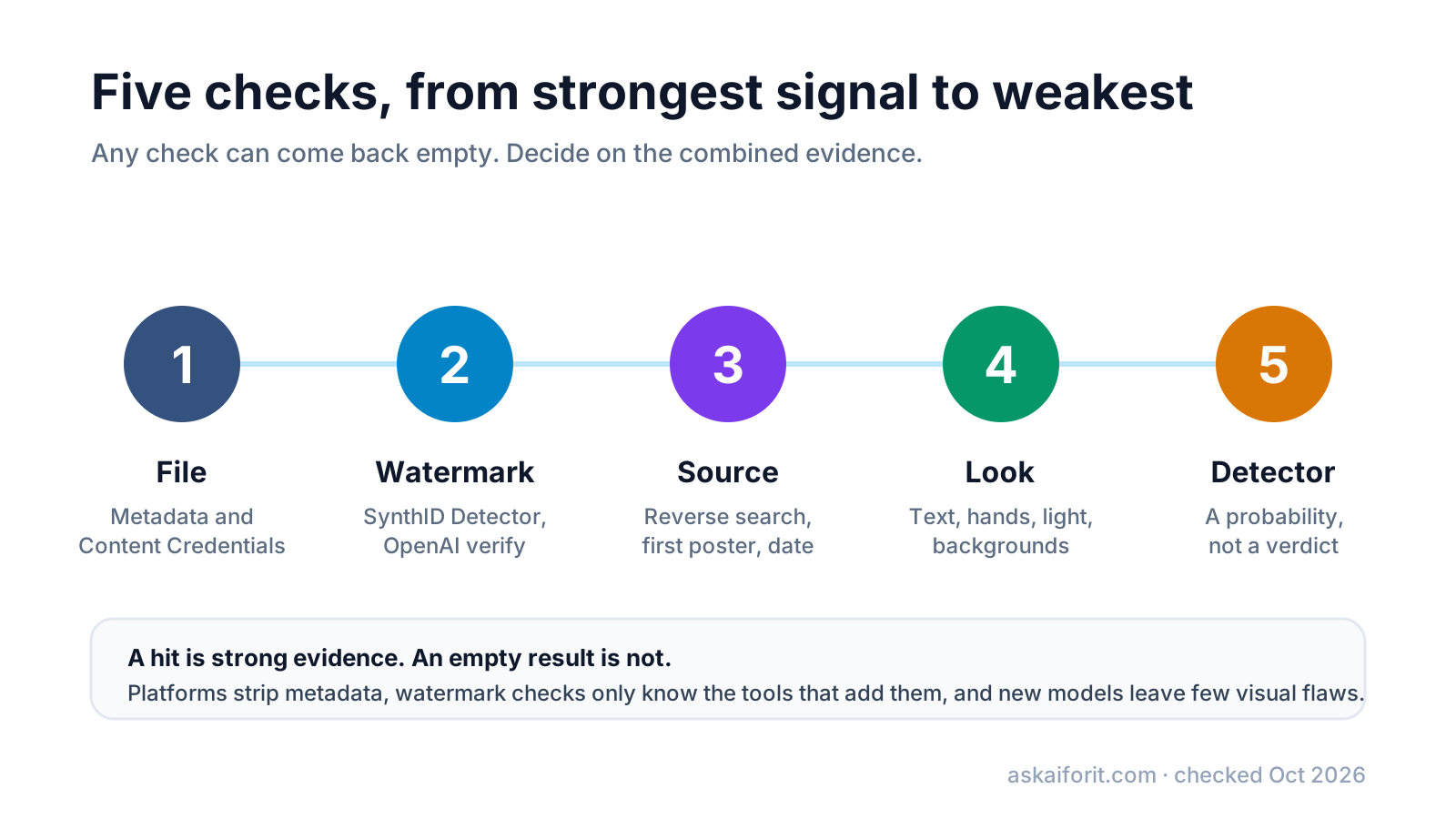
- Read the file. Open the original file in a metadata checker and look for generator settings, an AI source type or Content Credentials.
- Verify any Content Credentials in a C2PA verifier, which also checks the signature.
- Test for watermarks with Google's SynthID Detector and OpenAI's verify page.
- Trace the source with reverse image search: who posted it first, and when.
- Look closely at text, hands, reflections, shadows and backgrounds, and for video at lips and edges.
- Run a detector if you still have no answer, and weigh its score as one opinion.
- Write down what you found, including what came back empty, before you share or publish.
Read what the file says about itself
Ask for the original file whenever you can: the PNG or JPEG the creator saved, not a copy downloaded from a social network or forwarded through a messenger. Then open it in the AI Image Metadata Checker. It reads PNG, JPEG, WebP, AVIF and HEIC files in your browser; nothing is uploaded.
The checker looks for these records:
- Generation settings in PNG text chunks. AUTOMATIC1111, Forge and other Stable Diffusion web UIs write the prompt, negative prompt, seed, sampler and model into a
parameterschunk. ComfyUI stores its node graph inpromptandworkflow, NovelAI usesDescriptionandComment, and InvokeAI, SwarmUI and Fooocus use their own keys. The checker shows the prompt in a Generation data panel with a copy button. - The same settings in JPEG and WebP, where Stable Diffusion web UIs put them in the EXIF UserComment field.
- IPTC Digital Source Type. The value
trainedAlgorithmicMediadeclares an image made by a generative model;compositeWithTrainedAlgorithmicMediadeclares one edited with AI (IPTC vocabulary). - Software fields. EXIF Software, XMP CreatorTool, IPTC Credit and the C2PA claim generator are compared with a list of known AI tools, such as Midjourney, DALL·E, Adobe Firefly, Imagen, Ideogram and Flux.
- Content Credentials. A C2PA manifest in a JPEG APP11 segment, a PNG
caBXchunk or a WebPC2PAchunk, with its claim generator, actions and source type.
It also shows the camera make and model, warns about GPS coordinates, and lists every EXIF, IPTC and XMP field it found. The verdict at the top reports a claim, never a conclusion:
What the checker's verdicts mean
| Verdict | What it found | What to do next |
|---|---|---|
| The metadata says AI was used to make this image | Generator settings or the trainedAlgorithmicMedia source type |
Strong lead. Confirm with a watermark check or the source |
| The metadata says AI was used to edit this image | The compositeWithTrainedAlgorithmicMedia source type |
Part of the image may be real. Find the unedited original |
| The metadata names an AI tool | A software or credit field mentions one | The tool may have only edited the image |
| Content Credentials found, no AI claim read | A C2PA manifest without an AI source type | Open it in a C2PA verifier for the full history |
| The metadata points to a camera, not an AI tool | Camera fields or a capture source type | Camera fields are easy to copy. Keep checking |
| No AI-related metadata found | Metadata without AI traces | Proves nothing. Move on to watermarks and source |
| This file has no metadata to read | Nothing at all | Typical after social media or screenshots |
Verify Content Credentials (C2PA)
Content Credentials are signed records of where a file came from and how it was edited, built on the open C2PA standard (C2PA). The signature makes them tamper-evident: if someone changes the file with a tool that does not update the record, verification fails.
Several large generators attach them. OpenAI says images made with ChatGPT, Codex and its API carry Content Credentials (OpenAI Help). Adobe adds them to images fully generated in Firefly (Adobe). Google signs images and videos from its supported models on its cloud platform, naming "Google Media Processing Services" as the app (Google Cloud). Camera makers and news organizations use the same standard for real photos.
Our checker finds a manifest and reads its labels, but it does not verify the signature. For that, upload the file to the Content Authenticity Initiative's Verify site, which shows the signer, the edit history and whether the signature is valid.
Read the result carefully. Google's documentation puts it well: C2PA "doesn't classify media as 'real' or 'fake'", and a valid record for an AI image simply says it is an authentic AI image. A missing record means nothing, because a screenshot or a re-save removes it.
Check for invisible watermarks like SynthID
Watermarks live in the pixels, so they can survive the screenshots and re-uploads that strip metadata. You cannot see them, and only the owner's tools can read them.
- SynthID is Google DeepMind's watermark for images, video, audio and text. Upload a file to the SynthID Detector, or upload it to Gemini and ask whether it was created or edited with Google AI. Google says the detector covers content from Google and partners "including OpenAI, NVIDIA, Kakao, and soon, Apple" (Google DeepMind).
- OpenAI adds SynthID watermarks as well as Content Credentials to images from ChatGPT, Codex and its API. Its page at openai.com/verify checks a supported image or audio file for OpenAI's signals.
- Platforms add their own. Meta has used invisible watermarks on images made with Meta AI, and in November 2025 TikTok announced watermarks "that only we can read" for AI content made with its tools.
A positive result is strong evidence. A negative result only rules out the tools that detector knows. Heavy crops, compression or edits can also make a watermark undetectable, OpenAI notes, and an image from an open-weight model run at home usually carries none that these detectors can read.
Read platform labels, and know what they miss
Big platforms label AI content using what creators disclose and what the file carries:
- YouTube labels videos when creators say they are realistic and AI-made, and may apply a label automatically for content with C2PA metadata or content its systems detect (YouTube Help).
- Facebook, Instagram and Threads show an "AI info" label, according to Meta's labeling policy, when Meta detects industry-standard AI indicators or the uploader discloses AI use. Content only edited with AI gets the label in the post's menu (Meta).
- TikTok requires labels on realistic AI content and reads C2PA Content Credentials from other platforms (TikTok Newsroom).
A label is useful when it is there. Its absence says little: many creators do not disclose, and TikTok itself notes that labels "may be removed when content is reuploaded or edited elsewhere".
Trace the image with reverse search
For a viral picture of a news event, the source often answers the question faster than any pixel test. Search for the image, then work backwards to its first appearance.
- Google Lens finds visually similar images and pages that use the picture. Crop to the main subject if the full frame gives poor matches.
- TinEye finds exact and edited copies and can sort them by oldest or most changed; its help center notes that dates are when TinEye found a copy, not when it was published (TinEye Help).
- Bing Visual Search and lenso.ai give you a second and third index.
Then ask the questions a fact-checker asks. Did the image exist before the event it claims to show? Is the first poster a known photographer, a news agency or an anonymous account created last week? Do other angles of the same moment exist? A higher-resolution or uncropped original may also still carry the metadata the viral copy lost.
Look for visual clues, and deepfake tells in video and voice
Visual checks are the weakest evidence, because models improve every few months. Use them to find reasons for doubt, not to clear an image.
In still images, zoom in on:
- Text and logos: signs, labels and badges with letters that do not form words, or brand marks that are nearly right.
- Hands, teeth, ears and jewelry: extra or merged fingers, mismatched earrings, glasses whose two sides differ.
- Physics: shadows that point in different directions, reflections in mirrors, windows or eyes that show a different scene.
- Backgrounds: faces in a crowd that repeat or melt, railings and lines that bend or end in nowhere, objects merging into each other.
- Texture: skin with no pores, hair that turns into a brush stroke, a polished look across the whole frame.
In video, watch the mouth on sounds such as "p", "b" and "m", and the edges of the face when the head turns. Look for odd blinking, earrings and hairlines that flicker, and light on the face that does not match the room. A voice clone often sounds flat or oddly paced, but a good one can fool anyone over a phone line.
Use AI detectors as one more signal
Detectors analyze pixels or frames and return a probability that a model made them. They are useful for triage, especially when the metadata is gone. They are not proof: accuracy figures on vendor sites are the vendors' own, results vary between tools, and a heavily compressed or edited image can push any of them either way.
If you use one, run the same file through two of them, keep the original file, and record the scores together with your other checks. These products in our directory analyze images or video for AI generation or manipulation:
- AI or Not checks images, video and audio, with an API.
- Sightengine offers AI image, deepfake and AI video detection inside a moderation API.
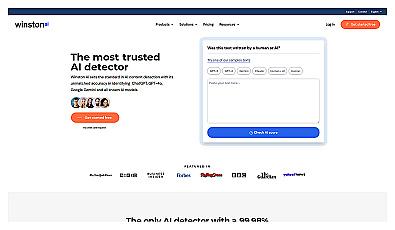
- Winston AI adds an AI image detector to its text detector.
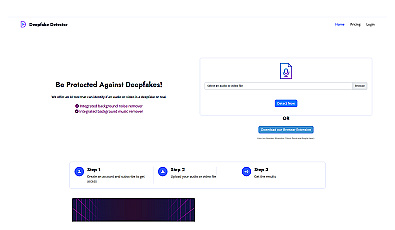
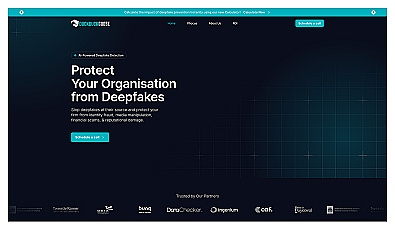
- Deepfake Detector, DuckDuckGoose and Attestiv focus on deepfakes and manipulated files for identity checks, insurance and newsrooms.
Identify manipulated audio and video with reliable analysis.

FAQ
Can you tell for sure if an image is AI-generated?
Rarely. A valid watermark result or a signed Content Credential that names a generator is strong evidence. Without them, you combine the source, the history and visual clues, and sometimes the honest answer is "cannot tell".
Why does my AI image show no metadata?
Most social networks, messengers and screenshots strip metadata, and many generators never write it. Ask for the original file, or rely on watermark checks and reverse search instead.
Does SynthID work on Midjourney or Stable Diffusion images?
No. SynthID only finds watermarks added by Google and the partners that use it; as of November 2026 Google names OpenAI, NVIDIA and Kakao, with Apple "soon". Images from other generators, including open models run locally, carry no SynthID watermark.
Are AI image detectors accurate?
They give a probability, and the accuracy numbers on their websites come from the vendors. Use them for triage, compare two of them, and never treat one score as proof either way.
What should I do if I find a deepfake of a real person?
Do not share it, even to debunk it. Save the link and a copy for evidence, report it to the platform under its synthetic or manipulated media rules, and warn the person shown if you know them.