AI Tools for Students That Help You Learn, Not Cheat
Tutor modes that ask you questions, flashcards built from your own notes, research tools that link to real papers and writing feedback that leaves the words to you, with the academic-integrity rules that decide what is allowed.
 Roman Shalabanov
Published
10 min read
AI helps you learn when it makes you do the thinking. It asks you questions, quizzes you on your own notes, points you to sources that you then read, and comments on writing that you wrote. It turns into cheating when it does the graded work and you hand that work in as your own, or when you use it in a way your course forbids.
So the useful question is not which tool is allowed, but which use is. The tools below follow a study week: understanding a topic, remembering it, taking notes, finding sources and improving your writing. Each comes with what it does well, what it gets wrong and where your course's rules come in. Prices and plan limits are as of November 2026.
Find your course's AI rule before you open any tool
Rules differ by school, by course and sometimes by assignment. The same tool can be fine for one essay and count as misconduct in the next class. Look in the syllabus, the assignment brief, the course page and your school's honor code.
If none of them mention AI, ask your instructor by email and keep the reply. "Can I use AI to quiz myself on the readings?" gets a clearer answer than "Can I use AI?".
The table below shows the difference between a use that builds your skill and one that replaces it. Where the line falls for you depends on your course's policy.
Where help ends and misconduct can start
| Task | A use that builds your skill | Crosses the line when your policy forbids it and you |
|---|---|---|
| A reading | Ask for questions that test whether you understood it | Submit the AI's summary as your reading response |
| Homework problems | Ask for a hint on the one step you are stuck on | Copy a worked solution into graded homework |
| An essay | Ask for comments on your draft's argument | Submit paragraphs the AI wrote |
| Research | Use AI to find papers, then read them | Cite papers you never opened, or that do not exist |
| A language course | Practice conversation and ask about grammar | Run your essay through a translator or paraphraser |
| Code | Ask why your code fails | Submit generated code in a course that bans it |
When your course allows AI with disclosure, say which tool you used and what for. The MLA and APA both publish guidance on citing generative AI.
Turn a chatbot into a tutor that asks you questions
A normal chatbot answers. A tutor mode asks what you already know, gives a hint and checks your understanding before it moves on. That makes it slower, which is the point.
- ChatGPT study mode. OpenAI launched it on July 29, 2025, and its pricing page now lists it on every personal plan, from Free to Pro. Type
@studyin the message box, or pick Study from the + menu, then ask your question. It uses guiding questions, hints and knowledge checks instead of giving the answer outright (OpenAI, OpenAI Help). - Gemini Guided Learning. On gemini.google.com, open Add files, then More tools, and pick Guided Learning. You can upload your own files with the question, and you must be signed in (Gemini Apps Help).
- Claude Learning mode. Anthropic introduced it for Claude for Education in April 2025 to guide students' reasoning instead of giving answers (Anthropic). Claude's consumer app requires users to be 18 or older.
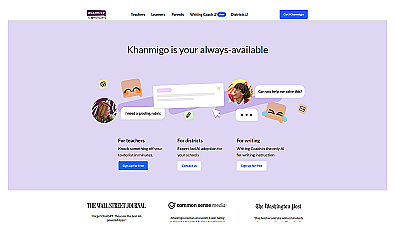
- Khanmigo is Khan Academy's AI tutor, built around the same idea of guiding you to the answer.
Tutor modes at a glance, checked November 5, 2026
| ChatGPT study mode | Gemini Guided Learning | Claude Learning mode | |
|---|---|---|---|
| How to start it | Type @study, or Study in the + menu (as of October 23, 2026) |
Add files, More tools, Guided Learning | Through a Claude for Education account |
| Free plan | ✓ Free to Pro | Signed-in users | Depends on your university |
| Minimum age | 13; under 18 with a parent's permission | 13, or your country's age | 18 |
Pros
- Asks you to explain before it explains, which shows you what you do not know yet.
- Adjusts the level when you say a step went too fast.
- Available at midnight before the exam, when office hours are not.
Cons
- It can still be wrong, and sounds just as sure when it is.
- You can switch it off in one click, so the discipline is yours. At launch, OpenAI said study mode could behave inconsistently, because it ran on custom instructions.
- It does not know your instructor's notation, method or marking scheme.
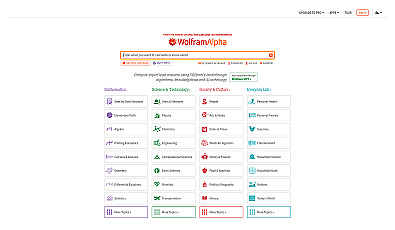
For math and science, check steps rather than answers. Wolfram|Alpha computes results you can compare with your own working; its step-by-step solutions are part of the paid Pro plan (Wolfram|Alpha Pro).
Instant answers to complex questions using advanced algorithms.
Make flashcards and quizzes from your own course material
Rereading feels productive because the page looks familiar. Answering a question with the page closed tells you whether you actually know it. AI is good at turning your material into those questions, as long as it works from your material and not the open web.
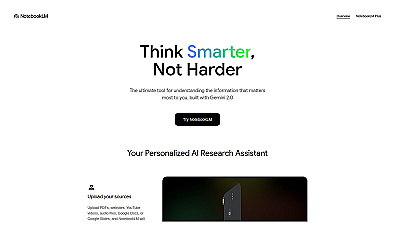
Gemini Notebook, which Google renamed from NotebookLM on July 16, 2026, works only from the sources you upload: slides, readings, your notes. In its Studio panel you can generate flashcards or a quiz, set the difficulty and the number of items, and use Explain to see where an answer comes from in your sources. You can download flashcards as a CSV file (Gemini Notebook Help), which you can import into Anki, a flashcard app that spaces out your reviews over days and weeks.
A study session that uses it:
- Put this week's slides and readings into one notebook. Leave out anything your instructor did not assign.
- Generate 15 flashcards at medium difficulty. Say each answer out loud before you flip the card.
- Mark the cards you missed. Ask a tutor mode to explain only those, and answer its follow-up questions.
- The next day, take a 10-question quiz from the same notebook without looking at your notes.
- Close everything and write three sentences on the main idea. Then check them against the sources.
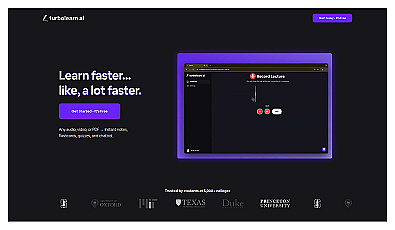
Other tools for the same job: Quizlet for shared study sets, and TurboLearn, now branded Turbo AI, which turns lectures, PDFs and videos into notes, quizzes and other study activities. Whatever you use, skim generated cards before you study them. A wrong card repeated 20 times is worse than no card.
Take lecture notes you can check later
A transcript lets you listen in class instead of copying slides. It also mishears names, formulas and technical terms, so treat it as a draft to check against the slides.
- Otter's free Basic plan gives 300 transcription minutes a month, up to 30 minutes per conversation and three lifetime file imports. Students and teachers with a .edu email get 20% off Pro: $79.99 a year, or $13.59 a month (Otter pricing, checked November 5, 2026).
- Goodnotes is a handwriting notes app for tablets, if you think better with a pen.
- Notion AI helps you organize notes from several courses into one place you can search.
Ask before you record a lecture. Many instructors and schools have rules on recording, and some places require consent from everyone recorded. If you need recordings as an accommodation, ask your school's disability services office. For transcription that stays on your own device, see free transcription software.
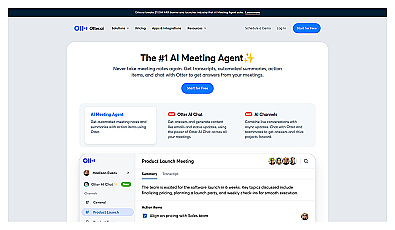
Automatic meeting note capture for better focus and organization.

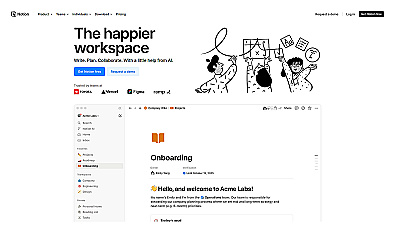
Organize documents, manage projects, and collaborate seamlessly.
Research with sources you can open and check
General chatbots can produce references that look real and do not exist: a plausible title, real-sounding authors, a journal that never published it. The rule that protects you is simple. Never cite a paper you have not opened.
Research tools built on paper databases make that rule easier to follow, because every result links to a real record.
Research tools by job
| Job | Tools | What to check |
|---|---|---|
| Find papers on a question | Elicit, Consensus, Semantic Scholar | Open the paper. A summary can skip its limitations |
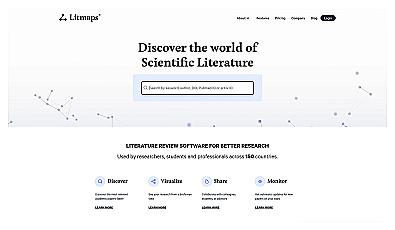
| See how papers connect | Connected Papers, Litmaps | Check the year: a map can surface old work first |
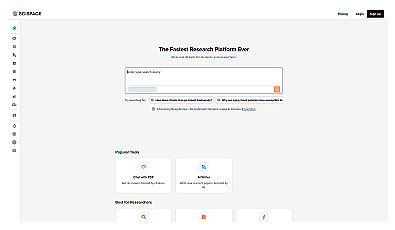
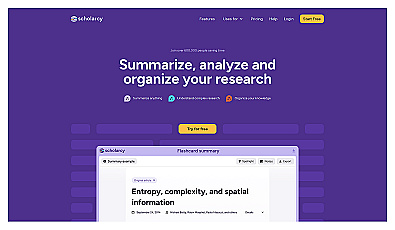
| Read a long paper faster | SciSpace, Scholarcy | Read the methods yourself before you rely on a result |
| Get a quick overview with links | Perplexity | Click the links. An overview is not a source |
| Keep and cite what you read | Zotero | Check the citation style your course uses |
What the free plans include, as listed on November 5, 2026:
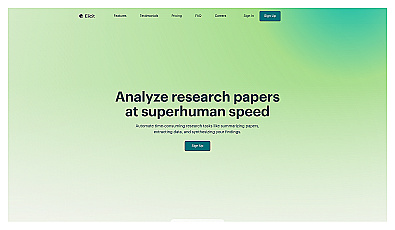
- Elicit Basic is free, with unlimited search across more than 138 million papers, unlimited summaries and chat with papers (pricing).
- Semantic Scholar is a free search engine from the research institute Ai2 that indexes over 200 million papers.
- Litmaps Free gives you two maps with up to 100 articles each (pricing).
- Zotero is free and open source, and Elicit can import from it.
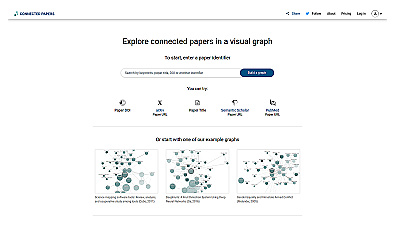
Visualize connections between academic papers for better research insights.
Consensus is another search engine that answers questions from published research. Use any of these to find and sort papers, then do the reading and the argument yourself.
Get feedback on your writing and keep the words yours
Ask for feedback, not rewrites. A rewrite teaches you nothing and may break your course's rules. Feedback shows you where your argument is weak and leaves the fix to you.
Act as a strict teaching assistant for [course name].
Here is my draft for this prompt: [paste the assignment prompt].
Do not rewrite any of my sentences.
1. Name the three weakest claims and say why each is weak.
2. List any paragraph that does not support my thesis.
3. Ask me three questions a skeptical reader would ask.
[paste your draft]
Tools for the rest of the editing pass:
- Grammarly checks grammar and clarity. Its Authorship feature records what you typed, pasted or wrote with AI help in Google Docs, Microsoft Word and the Grammarly editor, and can replay your writing process. Grammarly says the report is not sent to your professor unless you share it. Authorship is available on the free plan as well as Pro (Grammarly).
- QuillBot paraphrases and summarizes. Rewording someone else's text without quoting and citing it is still plagiarism, and some courses ban paraphrasing tools on graded work.
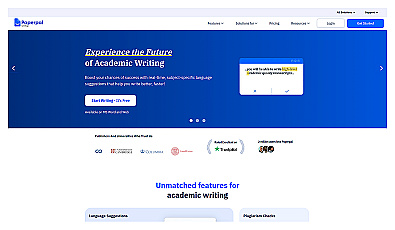
- Paperpal gives language feedback on academic writing.
Then check length and readability yourself. The word counter below shows word count against your limit, flags long sentences and highlights phrases AI drafts overuse. It is an editing aid, not an AI detector. To make an edited draft sound like you, see how to edit AI-assisted text so it sounds like you.
Word Counter & Readability Checker Words, characters, reading time, readability scores and phrases AI overuses.
Know what AI detectors can and cannot show
Detectors estimate how likely a text is to be machine-written. They do not prove who wrote it, and their makers say so.
- OpenAI withdrew its own AI text classifier on July 20, 2023, "due to its low rate of accuracy" (OpenAI).
- Turnitin's guide says its AI writing detection "may not always be accurate" and "should not be used as the sole basis for adverse actions against a student" (Turnitin).
That cuts both ways. Your honest work can be flagged, and the best defense is a record of how you wrote it:
- Write in Google Docs or Word, where version history keeps every stage.
- Keep your outline, notes and the sources you read.
- If your course allows AI, keep the chats you used and say how you used them.
- Be ready to explain your argument in your own words. That is the strongest evidence you have.
FAQ
Is using ChatGPT for homework cheating?
It depends on your course's policy and on how you use it. Asking for hints or a quiz on your notes is usually different from submitting answers it wrote. Read the policy, and ask your instructor in writing if it says nothing about AI.
Are there free AI plans for students?
ChatGPT's study mode works on the free plan. In the US, Google offers college students aged 18 and over a free year of Google AI Pro if they redeem it by December 31, 2026. After that it renews at $19.99 a month unless you cancel (Google, checked November 5, 2026). Offers differ by country.
Can my teacher tell if I used AI?
A detector alone cannot prove it. Turnitin itself says its score should not be the sole basis for action. Your instructor can, however, ask you to explain your work, so keep drafts and version history and know your own argument.
Which AI tool is best for studying?
Pair one tutor mode, such as ChatGPT's study mode or Gemini Guided Learning, with one tool that quizzes you on your own material, such as Gemini Notebook. Add research and writing tools only when an assignment needs them.
Can I use AI to write my essay if I edit it afterwards?
Only if your course allows it, and then usually with disclosure. Editing someone else's draft, human or AI, does not make it your work. Use AI for feedback on a draft you wrote.