AI Tools for Teachers: Lesson Plans, Grading and Feedback
Which AI tools save teachers time on planning, leveled texts, quizzes and writing feedback, what their free plans include as of November 2026, and the age limits and student-data rules to check before you start.
 Roman Shalabanov
Published
12 min read
The AI tools that help teachers most fall into three groups. Teacher platforms such as MagicSchool, Brisk Teaching and Gemini in Google Classroom turn a standard or a reading into lesson plans, quizzes and leveled texts. Rubric-based graders such as CoGrader and EssayGrader draft comments on student writing for you to review. And student-facing tools let students use AI inside a space you set up and can see.
Most of these have a free plan for individual teachers as of November 2026, and some come free with accounts your school already has. The catch is student data. Before you paste a name, a grade or an essay, check whether your district has a data privacy agreement with the vendor. This guide follows the jobs that fill a teacher's week: what each tool does for that job, what the free plan includes and where it falls short.
Pick one teacher platform before you add more tools
Teacher platforms bundle dozens of small generators behind one login: lesson plan, quiz, rubric, parent email, leveled reading. Trying five at once costs the time they are meant to save. Start with the one that fits the accounts and browser your school already uses.
Teacher AI platforms, checked November 5, 2026
| MagicSchool | Brisk Teaching | Gemini in Classroom | ChatGPT for Teachers | |
|---|---|---|---|---|
| Price for one teacher | Free; Plus $12.99/mo or $99.96/yr | Free; school plans by quote | Included in every Workspace for Education edition | Free for verified US K–12 staff through June 2028 |
| Where you use it | Web app with 80+ teacher tools | Chrome or Edge extension, on pages and files you already use | Inside Google Classroom | ChatGPT workspace with Google Drive and Microsoft 365 files |
| Writing feedback | ✓ Class Writing Feedback on the free plan | ✓ Glow-and-grow feedback | AI-drafted feedback needs Education Plus or an add-on | In chat, with your rubric |
| Student-facing mode | Student Rooms on Plus | Brisk Boost | Gemini tab for students, if the admin turns it on | ✗ Not for students |
How to choose:
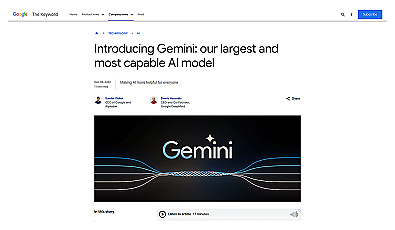
- Your school uses Google Workspace for Education. Open Gemini in Classroom first. Google lists teacher tools for lesson plans and learning objectives, hooks, quizzes, text re-leveling, vocabulary lists, rubrics, project ideas and translation into 100+ languages. It is available in all Education editions, though your admin can restrict it.
- You work in a US K–12 school. ChatGPT for Teachers is a separate workspace, free for verified US K–12 teachers and staff through June 2028, according to OpenAI's plan page in November 2026. You can ask it to remember your teaching style and goals. It pulls in files from Google Drive or Microsoft 365 and lets colleagues share custom GPTs.
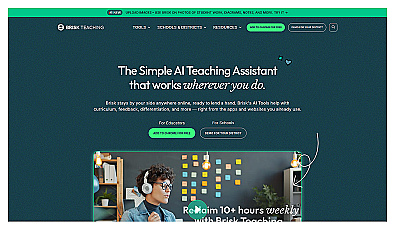
- You want the tools inside the page you are reading. Brisk Teaching runs as a Chrome or Edge extension. It creates quizzes, lessons and presentations from an article, a video or a PDF you already have open.
- You want a menu of ready-made generators. MagicSchool's free plan lists 80+ teacher tools, the Raina chatbot, quizzes and class writing feedback. Plus adds unlimited generations and student tools (pricing page).
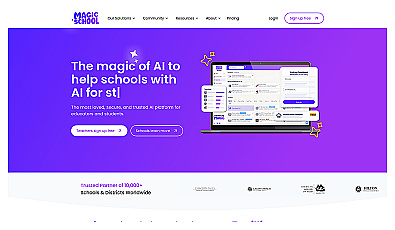
An AI-driven solution for streamlined lesson planning and assessment.
Streamlined resources for effective teaching and learning.
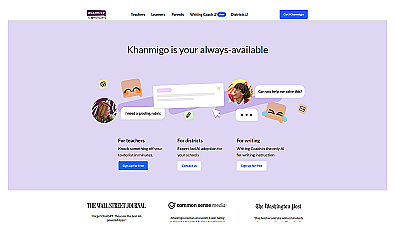
Khan Academy is a fifth option if your class already uses it: its teacher page describes free AI tools to plan lessons and track progress, with "no paywalls". Claude is fine for your own planning too, but its consumer app is for adults only, so it does not belong in front of most K–12 classes.
Plan a unit, then a lesson, in one sitting
General assistants and teacher platforms are both good at first drafts of plans. They are weak at knowing your students, your pacing guide and your state's exact standard codes. So give them those details and ask for one layer at a time.
- Paste the standard, the number of lessons and the class length. Ask for a unit outline with one guiding question per lesson.
- Pick one lesson. Ask for an objective, a hook, guided practice, an independent task and an exit ticket.
- Ask for the materials that lesson needs: a short reading, five vocabulary words and a five-question check.
- Check every fact, date and example against your curriculum before you print or share anything.
A prompt for step 1, with the placeholders in brackets:
You are planning with a [grade] [subject] teacher.
Standard: [paste the standard text, not just the code].
Plan a [number]-day unit with [length]-minute classes.
For each day give: a guiding question, one hands-on activity,
and how I will know students got it.
My class: [number] students, [number] English learners,
[any accommodations you plan for]. Use plain headings, no tables.
Gemini in Classroom, ChatGPT for Teachers and MagicSchool all handle this kind of request. The difference is where the result lands: in Classroom, in a shared ChatGPT project, or in a MagicSchool output you can edit. For more patterns, see how to write better prompts.
Level one text for every reader in the room
Rewriting the same reading at three levels can take an evening by hand. AI does a first pass in minutes, as long as you check what the simpler version left out.
- Diffit builds differentiated materials from a topic or from content you bring. You set the challenge level, language and scaffolds, then print or send the result to Google or Microsoft 365. The free Basic plan keeps content you made in the last 90 days (pricing).
- Brisk Teaching has a Change Level tool that rewrites a page you have open at another reading level or translates it, in 50+ languages.
- Gemini in Classroom lists text re-leveling, vocabulary lists and translation among its teacher tools.
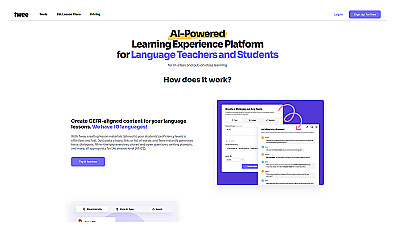
- Twee is built for language teachers: it creates language exercises and helps assess students' responses.
- Microsoft Reading Coach is free and works from the other end. Students read aloud, and the app spots words they struggle with and gives practice on them. It can also generate a story from a character, setting and reading level the student picks (Microsoft Support).
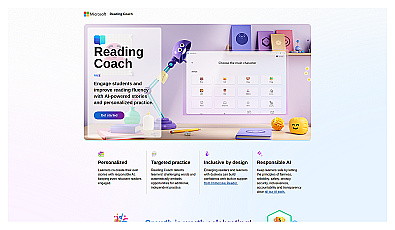
Personalized reading experience for fluency and engagement.
A reading-level label is an estimate. Simplifying a text can drop the one idea the lesson depends on, or swap a precise term for a vague one. Read the leveled version once with the original beside it.
Draft writing feedback faster and keep the grade decision
Feedback on essays takes hours, and it is the job where AI needs the closest watching. Rubric-based graders read each submission against your rubric and draft comments and a suggested score. You review, edit and release.
Feedback and grading tools: free plans, checked November 5, 2026
| Tool | Free plan | Paid from | Works with |
|---|---|---|---|
| CoGrader | 150 submissions a month | $15/mo billed annually, or $19 monthly | Google Classroom, Canvas, Schoology |
| EssayGrader | 100 essays a month, up to 1,000 words each | $14.99/mo | Google Classroom, Canvas, Schoology |
| Brisk Teaching | Glow-and-grow feedback; batch uploads capped | School plans by quote | Chrome and Edge |
| Curipod | Weekly writing sessions; answers up to 1,000 characters | School plans by quote | Students join without accounts |
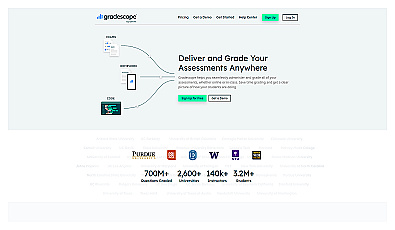
| Gradescope | Basic plan, without AI grading | AI answer grouping needs an institutional license | Paper exams, online and code assignments |
Details from each vendor's page:
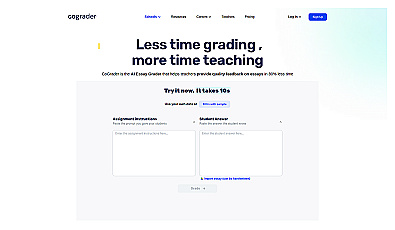
- CoGrader works from preloaded state rubrics or rubrics you upload. Its pricing page says teachers "still review every score and comment before students see it" (pricing).
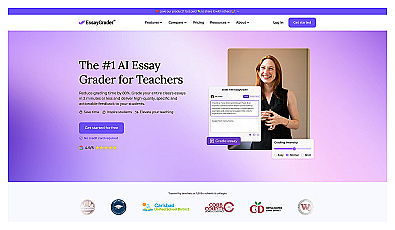
- EssayGrader adds AI-writing and plagiarism checks on its paid plans and lets you bulk-upload a whole class (pricing).
- Curipod runs short writing practice with instant feedback, and teachers can review or edit any AI output before students see it (pricing).
- Gradescope is built for paper exams, problem sets and code. For some question types it groups similar answers so you grade each group once (Gradescope).
Start with a small batch. Grade five essays yourself, run the same five through the tool and compare. If its scores drift from yours on the same rubric, use it for comments only.
Build quizzes and quick checks for understanding
Quiz questions are easy for AI to draft and easy for you to check, which makes them a good first task. Ask for the answer key and a one-line reason for each correct answer, so you can spot a bad item quickly.
- Gemini in Classroom creates quizzes on the web and in the mobile app.
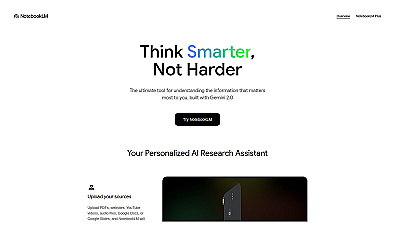
- Gemini Notebook, which Google renamed from NotebookLM on July 16, 2026, builds flashcards and quizzes only from the sources you upload. You can set the difficulty and the number of items (Gemini Notebook Help). Google says Gemini and Gemini Notebook are included in all Workspace for Education editions at no charge.
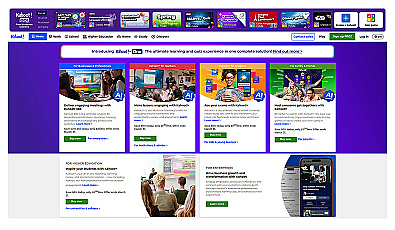
- Kahoot, Quizlet, Edpuzzle and Nearpod may already be licensed by your school. Check which AI features your school's plan includes before you build a routine around one.
- Canva for Education is free for verified K–12 teachers, and students join through a teacher or school invite (Canva for Teachers).
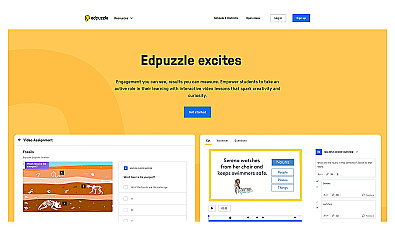
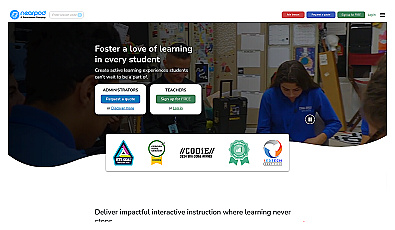
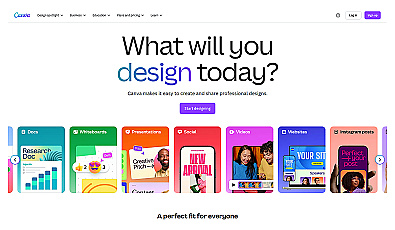
Watch for two common faults in generated quizzes: two answer options that are both defensible, and questions that test a detail your lesson never covered.
Let students use AI only where you can see it
General chatbots were not designed as classroom tools, and their age rules show it. If students will use AI in your class, a tool your school manages is usually the safer route: you choose the activity, set its limits and can read the conversation.
Options built for this:
- MagicSchool Student Rooms (Plus and Enterprise): you choose and configure the AI tools, then share them with students.
- Brisk Boost: turns an online resource into an interactive activity for students.
- Gemini in Classroom: students get a Gemini tab with study starters such as "help me learn", "quiz me", flashcards and study guides. It needs a Workspace for Education license and an admin who enables it.
Before you point students at any general assistant, check its minimum age.
Who may sign in: vendor age rules, checked November 5, 2026
| Tool | Rule | Source |
|---|---|---|
| ChatGPT, personal account | 13 or older; under 18 needs a parent or guardian's permission | OpenAI Terms of Use |
| ChatGPT for Teachers | Teachers and school staff only; "This plan is not for students" | OpenAI plan page |
| Gemini app, personal or school account | 13 or older (or your country's age); a school account needs the admin to enable it | Gemini Apps Help |
| Gemini app, child under 13 | Only if a parent enables it in Family Link; not offered in the EEA, Switzerland or the UK | Gemini Apps Help |
| Claude, consumer app | 18 or older | Anthropic Consumer Terms |
| Microsoft Copilot | 13 or older; higher in some countries | Microsoft Support |
Your district's rules sit on top of these. A district may approve a short list of tools and block others on school devices, so ask before you plan a lesson around a new one.
Check student data rules before you paste anything
Five questions to answer before a tool sees student work:
- Is the tool on your district's approved list, with a signed data privacy agreement?
- Does the vendor use what you enter to train its models, and can you turn that off?
- Can you remove names and use initials or student numbers instead?
- Who at your school, and at the vendor, can read student chats?
- Can you delete student data at the end of the year?
What vendors say about their own handling, as of November 2026. These are vendor claims, and your district is the one that verifies them:
- MagicSchool lists FERPA, COPPA, SOC 2, GDPR and Ed Law 2-D compliance on every plan. A custom data privacy agreement comes only with Enterprise.
- CoGrader says it does not use student personal information to train its models.
- OpenAI says anything you share with ChatGPT for Teachers is not used to train its models by default.
- Google says Gemini and Gemini Notebook data in Workspace for Education is "not human reviewed or used to train AI models" (Google Workspace admin guide).
Consumer accounts work differently from school accounts, even with the same brand on them. For the general picture, see is it safe to paste company data into AI tools; the same questions apply to a class list.
If you need tools for a task not covered here, the finder pulls matches from our directory by job and budget.
AI Tool Finder Answer three questions and get matching tools from our directory.FAQ
Is ChatGPT free for teachers?
ChatGPT for Teachers is free for verified US K–12 teachers and school staff through June 2028, according to OpenAI's plan page in November 2026. Teachers elsewhere can use the regular free ChatGPT plan, which has usage limits.
Can AI grade essays for me?
It can draft rubric-based comments and a suggested score. Vendors such as CoGrader build in a step where you review every score before students see it. The grade is still your decision, and some schools have rules about AI in grading, so check yours.
Which AI tools can students under 13 use?
Use only tools your school provides and manages for that age group. ChatGPT requires users to be 13 or older and Claude's consumer app 18 or older. Google allows Gemini for children under 13 only when a parent turns it on in Family Link, and not in the EEA, Switzerland or the UK.
Do AI detectors prove a student cheated?
No. Turnitin's own guidance says its detection can misidentify text and should not be the sole basis for action against a student. Use drafts, version history and a conversation with the student.
What is the best free AI tool for lesson planning?
The one that fits your accounts. Gemini in Classroom is included with Google Workspace for Education, ChatGPT for Teachers is free for verified US K–12 staff, and MagicSchool and Brisk both have free plans for individual teachers.