Cursor vs GitHub Copilot vs Claude Code vs Windsurf: AI Coding Assistants Compared
Four AI coding assistants, four different ways to bill you. Plans, prices, models and where each one runs, checked on the vendors' own pages in November 2026, plus which one fits your setup.
 Roman Shalabanov
Published
10 min read
If you want an AI assistant inside the editor you already use, start with GitHub Copilot. Pro costs $10 a month, completions are unlimited, and it runs in VS Code, JetBrains IDEs, Visual Studio, Xcode and more. If you want an agent that plans and edits across a whole repository from the terminal, try Claude Code, included with Claude Pro at $20 a month. Cursor suits people who want an AI-first editor and are happy with Grok models or with paying API rates for others. Windsurf, now called Devin Desktop, gives you unlimited Tab completions for free and cloud agents from $20.
The four products changed a lot in 2026. Windsurf has a new name, Cursor's plans are now sold together with X and Grok features, and Copilot bills agent usage in AI credits. Everything below comes from each vendor's pricing page, documentation or help center, checked on November 5, 2026. We did not benchmark code quality; the last section shows how to test on your own repository.
Check the names first: what changed in 2026
Old comparisons will mislead you on two of the four products.
Windsurf is now Devin Desktop. Windsurf.com redirects to Cognition's site, and the Devin Desktop page says "Devin Desktop is the new name for Windsurf". The update arrived over the air; plans, pricing, extensions and settings carried over, and Windsurf for JetBrains is still available. Before that, the product was called Codeium.
Cursor's plans now include X and Grok. The Cursor pricing page lists plans named Plus, Premium, Super and Ultra, with one usage pool shared between Cursor and Grok. The plans also carry X features such as the premium checkmark, and the FAQ says subscriptions are "only sold directly through X Subscription Corp".
GitHub Copilot and Claude Code kept their names. Copilot now has a Max plan above Pro+, and it bills chat and agent usage in GitHub AI Credits. Anthropic renamed its $200 Max 20x plan to Ultra.
Compare the plans and prices (as of November 2026)
Prices are in US dollars per month, before tax, from the vendors' pricing pages on November 5, 2026.
AI coding assistant plans compared
| Tier | GitHub Copilot | Cursor | Claude Code | Devin Desktop (Windsurf) |
|---|---|---|---|---|
| Free | ✓ 2,000 completions a month, limited chat and agents | ✓ Limited agent and chat requests | No | ✓ Unlimited Tab, light agent quota |
| Entry | Pro, $10 | Plus, $8 (Grok models only) | Claude Pro, $20 ($17 billed yearly) | Pro, $20 |
| Mid | Pro+, $39 | Premium, $30 | No | No |
| Heavy use | Max, $100 | Super $100, Ultra $200 | Max $100, Ultra $200 | Max, $200 |
| Teams | Business $19, Enterprise $39 per seat | Teams from $30 per user | Team from $20 per seat (billed yearly) | $80 a month plus $40 per developer seat |
Two discounts are worth knowing. GitHub gives Copilot Pro free to verified teachers and maintainers of popular open source projects, and verified students get the Copilot Student plan at no cost. Anthropic sells Claude Pro at $17 a month when you pay for a year.
Understand the billing units before you compare prices
Sticker prices hide the real difference: how much agent work each plan includes. All four now measure agent use, and each counts it differently.
- GitHub Copilot: AI credits. One credit equals $0.01. Pro includes 1,500 credits a month, Pro+ 7,000 and Max 20,000, counting a flex allotment that GitHub says may change over time. Chat and agent work draw credits at a rate that depends on the model; completions and next edit suggestions do not use credits and stay unlimited on paid plans. On paid plans, when credits run out, you can set a dollar budget and keep going.
- Cursor: a weekly pool. Each tier has a pool shared across Cursor and Grok that refreshes weekly. Premium has 4 times the usage of Plus, Super 15 times and Ultra 50 times. Third-party models are not in the pool on any plan; you pay their API list price on top.
- Claude Code: five-hour sessions. Pro and Max have a five-hour session limit with weekly limits on top, and Claude Code shares one pool with your Claude chats. Pro gives more usage per session than Free, and Max 5 times Pro. Ultra, the renamed Max 20x, gives 10 times Pro per week with no five-hour limit for verified accounts. Paid plans can switch on usage credits at API rates.
- Devin Desktop: daily and weekly quotas. Paid plans refresh automatically every day and week. Beyond that, extra usage is billed at API pricing.
Agent sessions use many tokens because the agent sends your files to the model again and again as it works. Paste a large file into the Token Counter to see how many tokens it costs per read, and see how to count tokens for model-specific counts.
Where each one runs: your editor, its editor or the terminal
The biggest practical question is whether you have to change editors.
Where each assistant runs (as of November 2026)
| GitHub Copilot | Cursor | Claude Code | Devin Desktop | |
|---|---|---|---|---|
| Plugin for your existing IDE | VS Code, Visual Studio, JetBrains, Xcode, Neovim, Eclipse, Zed | Not listed | VS Code, JetBrains | Windsurf for JetBrains |
| Its own editor or desktop app | Copilot app | Cursor editor | Claude Code Desktop | Devin Desktop |
| Command line | Copilot CLI | Cursor CLI | Terminal is its home | Devin CLI |
| Cloud agents | From Pro | From Premium | Web and Slack | Devin Cloud from Pro |
| Code review | From Pro | Bugbot, from Premium | Team and Enterprise | Devin Review |
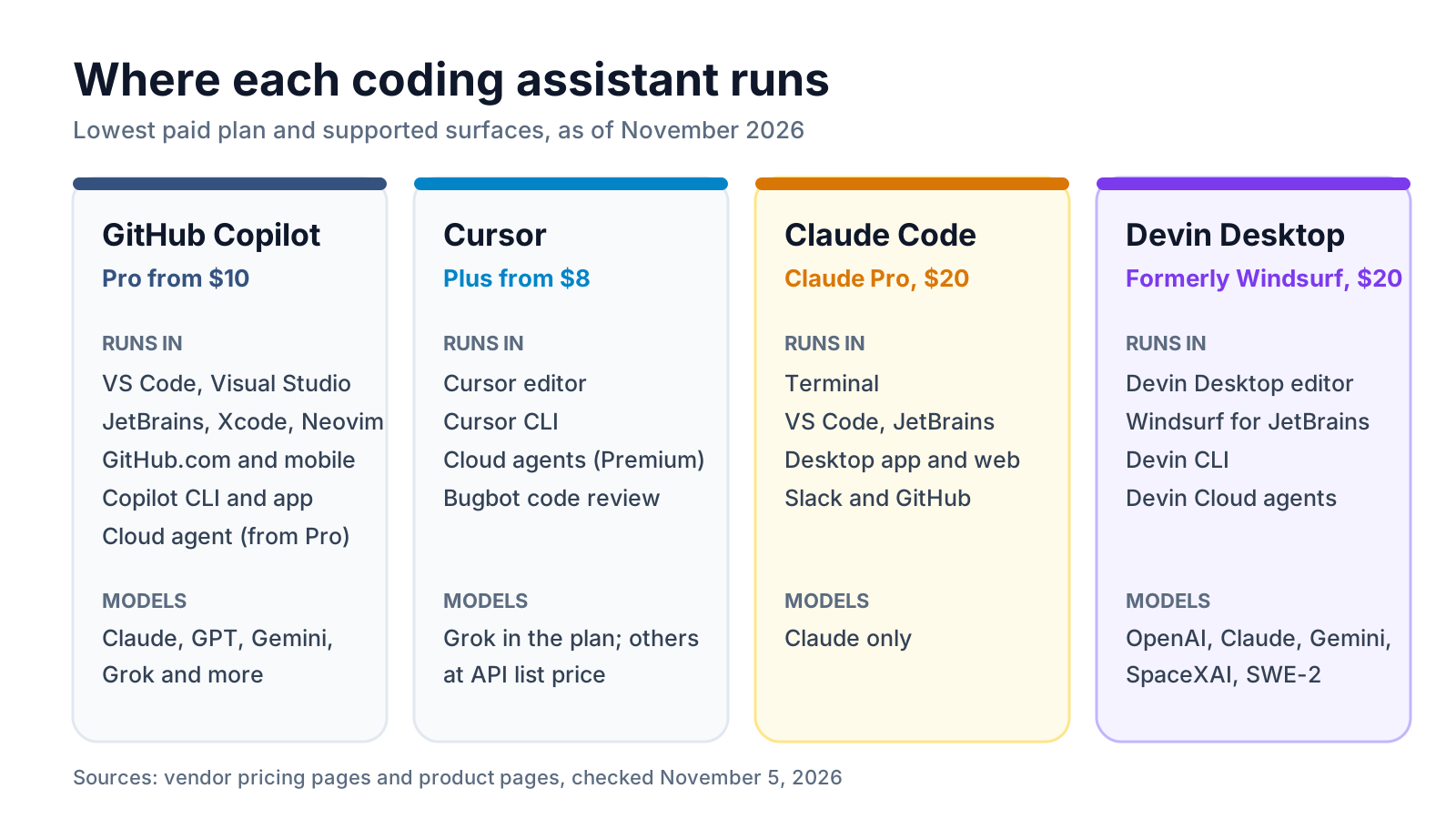
GitHub Copilot is the least disruptive. Its plans page lists VS Code, Visual Studio, JetBrains IDEs, Xcode, Neovim, Eclipse, Zed, Raycast and SQL Server Management Studio. On Pro and up you can assign an issue to Copilot and get a pull request back.
Cursor asks you to move into its editor. In return you get its agent in every plan, plus cloud agents, code hosting through Origin and Bugbot code reviews from Premium.
Claude Code started in the terminal and now also runs in VS Code, JetBrains IDEs, a desktop app, the web, Slack and GitHub. Anthropic's permission docs say recent versions start interactive terminal and VS Code sessions in auto mode, where a separate classifier reviews each action before it runs and blocks risky ones.
Devin Desktop puts an "Agent Command Center" with Spaces and a Kanban view in front of the editor. Its cloud agents run in Devin Cloud.
Check which models each one gives you
Model choice matters because the same agent can behave very differently on another model.
- GitHub Copilot mixes vendors. Across its paid plans, the plans page lists Claude Haiku 5.5, Sonnet 5.5, Opus 5.5 and Fable 5.1, GPT-6 Sol, GPT-6 Astra and GPT-6.1 Sol, Gemini 4 Argon, Grok 4.7 and Kimi K3, among others. Pro gets "a selection of models" and premium models start at Pro+, per GitHub's plan docs. Free and Student plans use automatic model selection only.
- Cursor includes Grok models in every pool. Plus is limited to Grok; from Premium up you can also pick third-party models, billed separately at API list price.
- Claude Code runs Claude models only: Haiku, Sonnet and Opus 5.5, plus Fable 5.1 through usage credits on Pro and within up to half of the weekly limits on Max and Ultra.
- Devin Desktop Pro lists frontier models from OpenAI, Anthropic, Google and SpaceXAI plus open-source models, and free use of Cognition's own SWE-2 model. Its blog says you can sign in with ChatGPT and use an eligible Plus or Pro plan for OpenAI model usage.
If you want to compare the underlying assistants outside an editor, our ChatGPT vs Claude vs Gemini comparison covers their plans job by job.
Turn on the right privacy settings for your code
Each vendor treats personal and business plans differently, so check the setting before you open a client repository.
- GitHub Copilot: on individual plans, GitHub may use prompts, suggestions and code snippets to train models. You can opt out at any time in your Copilot settings. The plans FAQ describes this training only for individual subscribers, not Business or Enterprise.
- Cursor: turn on Privacy Mode. Cursor says that with it enabled, code data "is not used for training by us or our model providers". On Teams, an admin can enforce it.
- Claude Code: on Free, Pro, Max and Ultra, Anthropic's pricing page lists model training as opt-out, so check the setting. On Team plans, content is not used for training by default.
- Devin Desktop: read the Data Use page linked from Cognition's pricing page; Enterprise adds a virtual private cloud option.
For a fuller checklist on pasting company data into AI tools, see whether it is safe to use ChatGPT and other assistants with company data.
Which one should you pick?
Match the tool to how you already work.
Quick picks
| If you... | Start with |
|---|---|
| Want AI in your current IDE for the least money | GitHub Copilot Pro, $10 |
| Work in Visual Studio, Xcode or Eclipse | GitHub Copilot |
| Want an agent for multi-file changes from the terminal | Claude Code (Claude Pro, $20) |
| Already pay for Claude for writing or research | Claude Code, at no extra cost |
| Want an AI-first editor and like Grok models | Cursor Plus or Premium |
| Want unlimited free completions and cloud agents at $20 | Devin Desktop |
| Run a team that needs admin controls | Copilot Business, Claude Team or Cursor Teams |
- Pick a real task from your backlog: a bug with a failing test, or a small feature that touches three or four files.
- Run it through the free plans first: Copilot Free, Cursor Free and Devin Desktop Free. Claude Code needs a paid plan, so try it last or for one month.
- Note how many corrections each agent needed and whether the tests pass.
- Check the usage meter afterwards to see how much of your allowance the task used.
- Subscribe monthly, not yearly, until you have used the tool for a few weeks.
Other tools worth a look: Aider, which describes itself as AI pair programming in your terminal, and Sourcegraph Cody, the assistant from the code search company Sourcegraph. If you are not a developer and want to build an app by describing it, compare Lovable, Bolt, v0 and Replit instead.
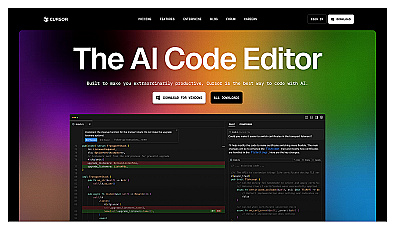
AI-driven code editor for fast, natural language programming.
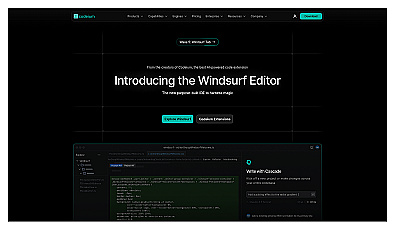
A coding environment that enhances productivity and creativity.

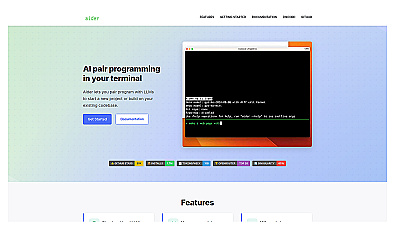
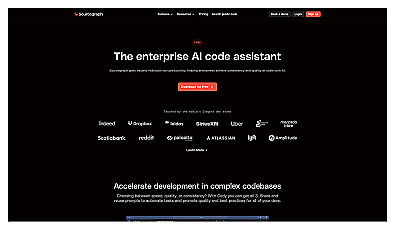
AI coding assistant for faster, more accurate development.
FAQ
Is Cursor better than GitHub Copilot?
They suit different setups. Copilot works inside the editor you already use and costs $10 a month for Pro. Cursor is its own editor; its $8 plan includes Grok models only, and other models need Premium or higher and are billed at API list price. Try both free plans on the same task.
Does Windsurf still exist?
The product does, under a new name. Devin Desktop is the new name for Windsurf, according to Cognition's site. Existing plans and settings carried over, and Windsurf for JetBrains is still available.
Is Claude Code free?
No. Claude Code is included in every paid Claude plan, starting with Pro at $20 a month or $17 a month billed yearly. You can also pay per use through a Claude Console account.
What are GitHub AI Credits?
They are how Copilot bills chat and agent use. One credit is $0.01; Pro includes 1,500 a month. Code completions do not use credits.
Which AI coding assistant is cheapest?
Copilot Pro at $10 is the cheapest paid plan with access to many models. Cursor Plus costs $8 but includes only Grok models. Copilot Free, Cursor Free and Devin Desktop Free cost nothing, with limits.