PlayPlay
Create stunning videos for marketing and communication easily.
Free
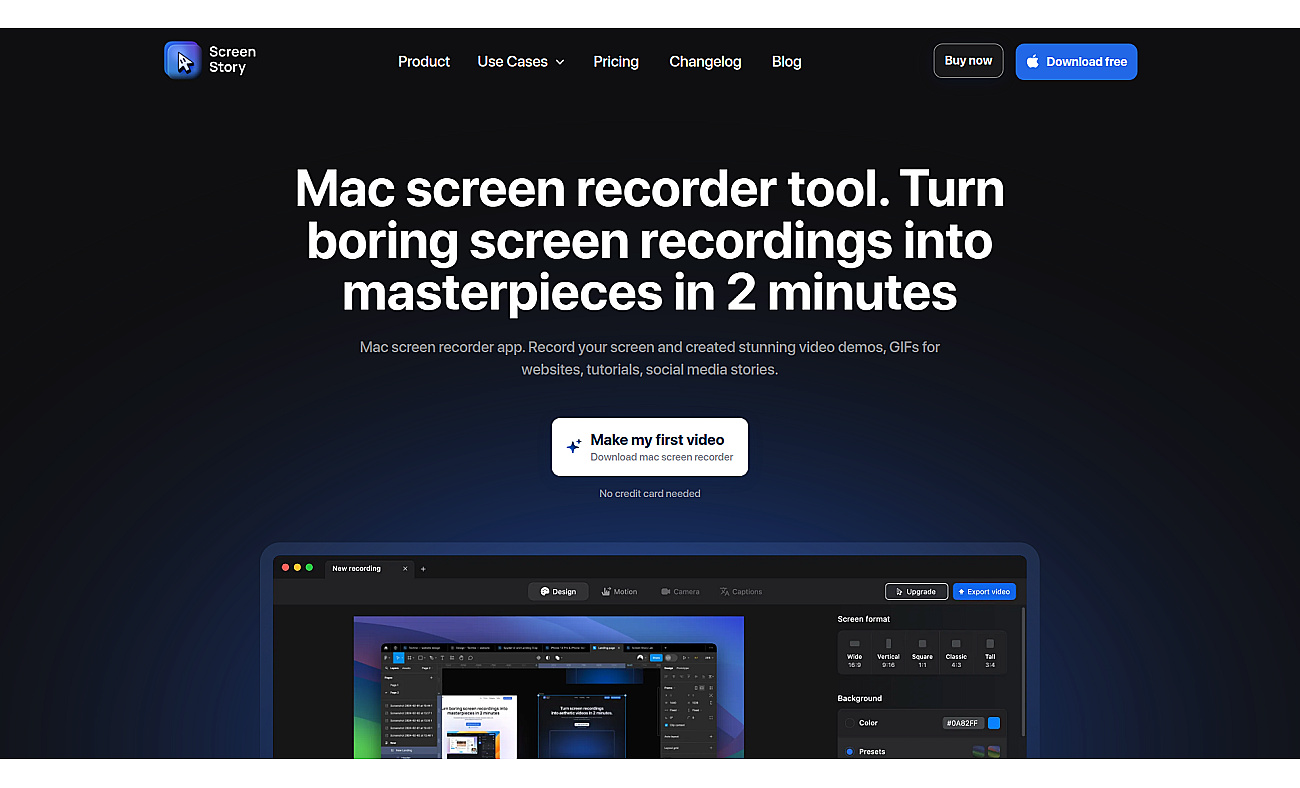
User-friendly screen recording software for creating engaging videos.
ScreenStory is designed for recording screens, making it easy to craft videos for demos, tutorials, and GIFs specifically for Mac users. With a straightforward interface, users produce polished videos without needing advanced skills.
Features like automatic zoom and smooth cursor movements enhance the visual appeal of recordings. Users can include webcam and microphone audio for a richer experience. Sharing creations is simple with cloud links, facilitating collaboration and quick distribution.
This software serves various purposes, from marketing videos to educational content and team updates. It streamlines the video creation process, enabling anyone to generate engaging content effortlessly.
Based on overlapping tasks and related categories.
Create stunning videos for marketing and communication easily.
Create and share professional-quality videos effortlessly.

Create visually engaging videos from scripts effortlessly.

Transform videos into engaging interactive experiences for viewers.

Create and share compelling customer video testimonials effortlessly.
Discover other similar tools and compare features